Tech & Wi-Fi
Wi-Fi Connectivity at Sea: Transforming Remote Work
Wi-Fi at sea empowers remote work, enabling collaboration, entertainment, and productivity. Discover solutions, key challenges, and Seafy's impact.
24 January 2026
Wi-Fi Connectivity at Sea: Transforming Remote Work
Riding a ferry between Spain and Italy or working from a cabin off the Greek coast, reliable internet is no small challenge. The ocean environment complicates everything, from signal stability to bandwidth access, making familiar office routines feel distant. Understanding the core concepts behind maritime Wi-Fi technology arms remote professionals with practical strategies for staying connected and productive, no matter where their workday takes them across Mediterranean waters.
Table of Contents
- Wi-Fi at Sea Explained: Core Concepts
- Types of Maritime Wi-Fi Solutions Available
- How Onboard Wi-Fi Powers Remote Productivity
- Key Challenges of Remote Work Connectivity
- Security, Costs, and Best Practices at Sea
Key Takeaways
| Point | Details |
|---|---|
| Wi-Fi Connectivity at Sea | Maritime Wi-Fi relies on satellite or long-range radio frequency systems, resulting in latency that may impact real-time applications like video conferencing. |
| Bandwidth Management | Onboard connection speeds fluctuate with demand, so schedule heavy tasks during off-peak hours to ensure better performance. |
| Security Precautions | Always use a VPN and secure connections to protect sensitive information against potential cyber threats on shared networks. |
| Cost Optimization | Pre-download files and collaborate with others to share Wi-Fi costs, reducing the expense of onboard connectivity. |
Wi-Fi at Sea Explained: Core Concepts
When you’re working from a ferry crossing the Mediterranean or aboard a cruise ship, Wi-Fi at sea operates on fundamentally different principles than what you experience on land. The ocean environment presents unique technical challenges that shape how connectivity works thousands of miles from shore. Understanding these core concepts helps you manage your expectations and work more effectively while at sea.
The primary difference lies in how signals reach your device. On land, Wi-Fi relies on terrestrial infrastructure—cell towers and fixed networks positioned relatively close together. At sea, there’s no ground infrastructure, so maritime connectivity depends on either satellite technology or long-range radio frequency systems. Seafy’s platform integrates advanced wireless sensor networks that use both short-range protocols for onboard distribution and long-range systems to connect your vessel to the broader internet backbone. This hybrid approach ensures you can work reliably whether you’re checking emails from your cabin or attending a video meeting in the dining area.
Satellite connectivity forms the backbone of most modern ship Wi-Fi systems. Unlike terrestrial networks that operate within limited range, satellites orbit above the ocean and can reach vessels anywhere. However, satellite systems have inherent latency—the delay between sending data and receiving a response. For most remote work tasks like email, document editing, or browsing, this latency remains unnoticed. But video conferencing and real-time applications sometimes feel sluggish compared to land-based connections. Seafy’s partnerships with ferry operators utilize current satellite technology to minimize these delays, though understanding this limitation helps you plan your work schedule accordingly.
Another critical concept is bandwidth management. Different types of onboard Wi-Fi systems share available bandwidth among potentially hundreds of passengers. This means your connection speed fluctuates based on overall demand. Early mornings and late evenings typically offer faster speeds, while peak hours around midday see reduced performance. Unlike home internet where you might have consistent speeds, working at sea requires flexibility and strategic timing for bandwidth intensive tasks.
Pro tip: Schedule heavy upload or download tasks like sending large presentations or backing up files during off-peak hours—typically before 9 AM or after 9 PM—when fewer passengers are streaming video or browsing simultaneously.
Types of Maritime Wi-Fi Solutions Available
You have several options when it comes to staying connected at sea, each with distinct advantages depending on your location and connectivity needs. The maritime Wi-Fi landscape has evolved significantly, offering remote workers more flexibility than ever before. Understanding which solution fits your situation helps you make informed decisions about your onboard connectivity.
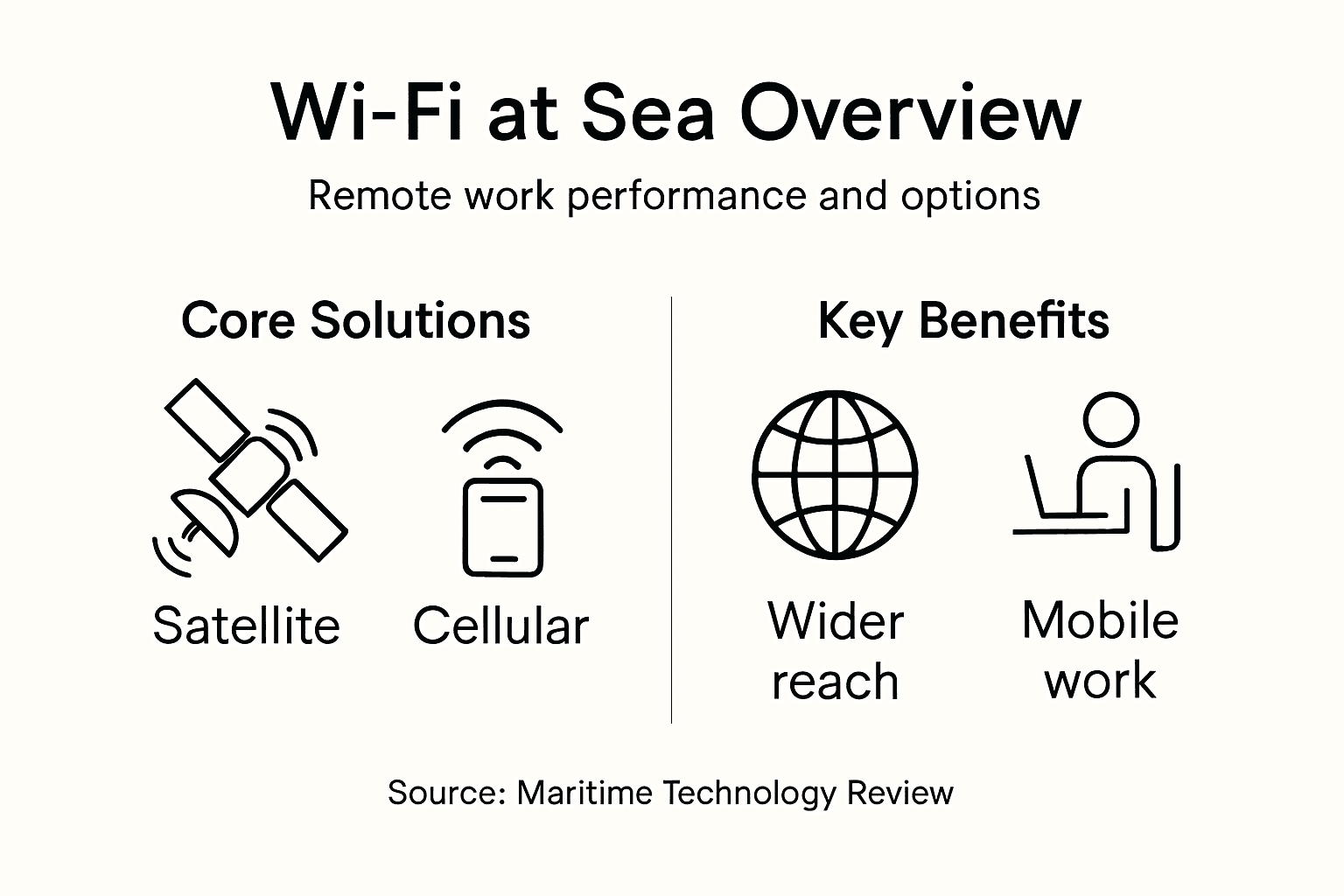
Satellite Internet remains the most reliable option for vessels operating far from shore. This technology uses orbiting satellites to deliver connectivity regardless of your location on the ocean. The major advantage is global coverage—whether you’re crossing the Mediterranean between Spain and Italy or navigating toward North Africa, satellite systems reach you. However, satellite comes with higher costs and that latency we discussed earlier. Seafy integrates satellite connectivity through partnerships with leading providers, ensuring you maintain a stable connection throughout your journey. The speed typically ranges from 5 to 25 Mbps depending on the specific satellite system and weather conditions.
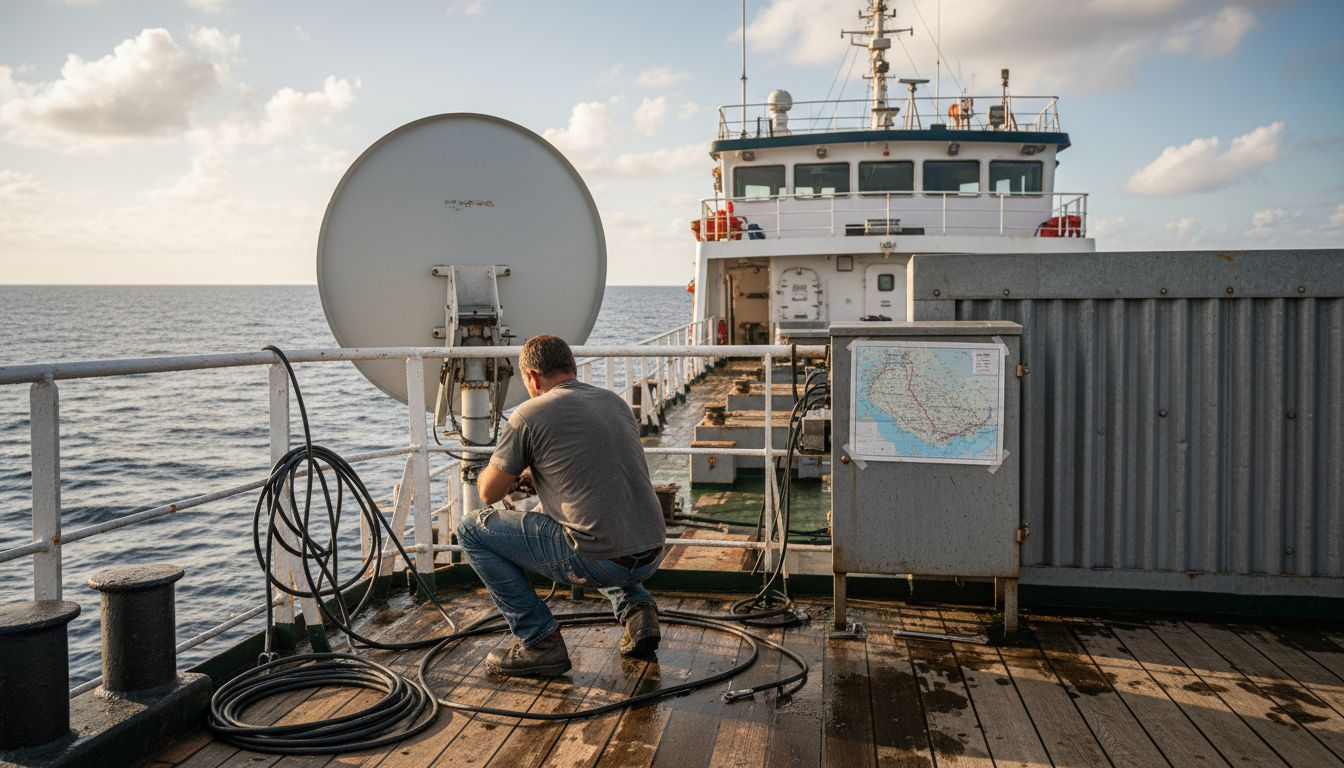
Cellular Data Plans work near shore where you’re within range of coastal cell towers. If you’re traveling on Mediterranean ferry routes with frequent stops at ports, cellular data becomes a cost effective option. You activate a local SIM card or an international roaming plan, and your phone connects just like it would on land. The advantage is simplicity and lower cost compared to satellite. The limitation is obvious—once you’re beyond tower range, which varies from 20 to 50 kilometers depending on geography and tower strength, cellular connectivity disappears entirely. For short ferry crossings between nearby islands, this solution often works perfectly.
Hybrid Solutions combine multiple technologies to maximize reliability. Surface nodes and signal boosters can enhance coverage in near-shore waters by reducing signal degradation from water reflection and tidal conditions. Some modern vessels use a combination of satellite backup with cellular primary, automatically switching between sources based on availability. This approach offers the best reliability for remote workers who cannot afford connection drops. Seafy’s platform supports multiple connection types, allowing your device to maintain connectivity as your vessel transitions between coverage zones.
When choosing between options, consider your work requirements and route. Video conferencing demands more stable, lower latency connections, making satellite preferable for crucial meetings. Email and document work function acceptably on any available connection. Your ferry operator determines the base technology offered onboard, but understanding the options helps you plan work tasks accordingly and manage expectations realistically.
Here’s a comparison of major maritime Wi-Fi solutions and their suitability for different remote work tasks:
| Solution Type | Coverage Area | Typical Speed | Best For |
|---|---|---|---|
| Satellite Internet | Global (deep ocean) | 5–25 Mbps | Video calls, cloud sync |
| Cellular Data Plans | Near shore (ports) | 10–100 Mbps | Email, browsing, short tasks |
| Hybrid Solutions | Coast & offshore | 10–30 Mbps | Seamless connectivity |
Pro tip: Before boarding, check which maritime Wi-Fi solution your ferry uses and test a backup option like a local cellular plan for your destination—this redundancy ensures you can always reach critical work contacts even if primary connectivity temporarily fails.
How Onboard Wi-Fi Powers Remote Productivity
Working from a ferry or cruise ship fundamentally changes how you approach your professional day, and onboard Wi-Fi is the linchpin that makes this possible. Instead of being tethered to a desk or coffee shop, you can attend client meetings from your cabin, collaborate with colleagues across time zones, and complete urgent tasks while watching the Mediterranean coastline pass by. The shift from traditional office work to maritime remote work isn’t just about location—it’s about harnessing connectivity to maintain professional momentum in an unconventional environment.
Stable Wi-Fi connectivity creates what many remote workers call the “flow state” at sea. When your internet connection remains consistent, you stop worrying about dropped calls or lost uploads and start focusing on actual work. You can open multiple browser tabs for research, stream video content for training purposes, and participate in real-time collaboration tools without constant connection interruptions. This stability matters more at sea than on land because maritime conditions can degrade signal quality unexpectedly. Seafy’s onboard infrastructure specifically addresses this challenge by maintaining consistent speeds even during rough weather or when vessels travel through areas with variable satellite coverage. The psychological benefit is significant too—knowing your connection won’t fail mid-presentation reduces stress and lets you work with confidence.
Beyond the technical aspects, stable Wi-Fi connectivity supports essential worker welfare by enabling crew and remote workers to maintain personal communication with family and access critical information. You can send quick messages to loved ones during your break, access digital training resources to develop professional skills, and reach grievance mechanisms if issues arise. This holistic view of connectivity recognizes that productive work requires more than just completing tasks—it requires feeling connected to your support network and maintaining mental well-being while working in isolation from normal office environments.
The practical productivity gains translate directly to your workday. Video conferencing works reliably enough for client calls and team meetings. Cloud storage services sync your files without excessive delays. Productivity applications run smoothly without the lag that frustrated remote workers just five years ago. You can schedule calls during optimal time windows based on your vessel’s location, handle deadline-driven projects without panic, and maintain professional communication standards that your land-based colleagues expect. The key is understanding that your work rhythm adapts to maritime conditions, not fighting against them.
Pro tip: Complete your most critical or deadline-sensitive work during your voyage’s first 24 hours when your internet adjustment is fresh and your energy is highest, then use remaining travel time for routine tasks that tolerate occasional connection fluctuations.
Key Challenges of Remote Work Connectivity
Working from the ocean presents challenges that land-based remote workers never encounter. The maritime environment is fundamentally hostile to wireless communications, and understanding these obstacles helps you prepare realistic expectations and strategies for maintaining productivity. The good news is that knowing what to expect makes you a more effective remote worker at sea.
Environmental factors create the first major hurdle. Tides, waves, and saltwater corrosion continuously damage wireless equipment and degrade signal quality. Saltwater is particularly destructive—it corrodes antenna components, damages circuit boards, and reduces signal transmission efficiency over time. Wave action physically disturbs the antenna angles on vessels, causing temporary signal loss when the ship pitches or rolls unexpectedly. These aren’t minor inconveniences. A rough sea can knock your video call offline mid-sentence or interrupt a file upload right before completion. This is why Seafy’s infrastructure uses ruggedized equipment specifically designed to withstand maritime conditions, but understanding the underlying challenge helps you avoid frustration when performance dips during rough weather.
Latency remains one of the most frustrating technical challenges for remote workers at sea. Even with modern satellite systems, data takes measurable time to travel from your device to the satellite and back down to terrestrial networks. This delay ranges from 500 to 700 milliseconds on satellite connections, compared to 10 to 50 milliseconds on typical land-based internet. That half-second delay doesn’t sound significant until you’re trying to participate in real-time conversations or use applications that require instant feedback. Online games become unplayable. Video conferencing develops that characteristic lag where everyone talks over each other. Cloud-based applications feel sluggish. You adapt by avoiding real-time activities during peak demand hours and scheduling important calls when fewer passengers are online, effectively reducing overall network load.
Bandwidth constraints create the third major challenge. Your ferry carries hundreds of passengers, each wanting to stream video, browse social media, and stay connected. The total available bandwidth gets divided among everyone onboard. During peak hours, your connection speed can drop from 15 Mbps to 2 Mbps or lower. This affects your ability to handle multiple tasks simultaneously. You cannot stream background music while attending a video call while uploading documents. You must prioritize ruthlessly and schedule intensive tasks strategically. Working remotely on a ferry requires deliberate planning around these bandwidth fluctuations.
Power management deserves mention as an often-overlooked challenge. Running your laptop continuously while traveling drains batteries quickly, especially if you’re tethering through mobile hotspots or devices with limited power reserves. Extended video conferencing sessions drain device batteries at alarming rates. The maritime environment offers fewer opportunities for spontaneous charging compared to land travel with its abundant electrical outlets and charging stations.
Pro tip: Travel with a high-capacity portable battery pack rated for multiple full charges and arrive early for ferry departures to fully charge all devices while docked, then minimize video streaming during peak hours when connection speeds drop.
Security, Costs, and Best Practices at Sea
Public Wi-Fi networks aboard ferries present genuine security risks that differ from typical land-based scenarios. When hundreds of passengers share the same network, your data travels across infrastructure you don’t control. Cyber attackers exploit open maritime networks to intercept unencrypted communications, steal login credentials, and access sensitive business information. Unauthorized access and data interception remain primary concerns on shared vessel networks. Unlike your home network where you control the password and encryption, ship Wi-Fi uses open architecture to accommodate casual travelers. This openness creates vulnerability windows, especially when you’re handling confidential client work, financial information, or proprietary documents.
The cost structure for maritime Wi-Fi reflects the expensive infrastructure required to deliver connectivity at sea. Satellite bandwidth costs significantly more than terrestrial internet because you’re paying for orbital access and transmission time. Seafy addresses this by offering tiered packages that let you choose coverage levels matching your actual needs rather than forcing expensive all-inclusive plans. Some passengers only need email access during their journey, while others require continuous video conferencing capability. Pay-as-you-go options cost more per megabyte but work well for occasional users. Monthly passes provide better value if you regularly take Mediterranean ferries for work. Understanding your usage patterns before purchasing prevents overpaying for connectivity you won’t fully utilize.
Security Best Practices
Start with encryption methods and access control protocols that protect your sensitive work. Always use a VPN (virtual private network) when connecting to maritime Wi-Fi. A VPN encrypts all your data before it leaves your device, making interception worthless to attackers. It’s the single most important security measure you can implement. Beyond VPN usage, apply these practical strategies:
- Disable file sharing and automatic connection features on your laptop
- Use two factor authentication on all critical accounts like email and banking
- Avoid accessing sensitive financial systems on maritime networks when possible
- Keep your operating system and security software updated before boarding
- Use HTTPS websites exclusively, which you can verify by the padlock icon in your browser
Cost Optimization
Managing expenses requires intentional planning. Download files and content before boarding when possible, reducing your onboard bandwidth consumption. Schedule large file uploads and video calls during off peak hours when network congestion decreases and speeds improve. Many passengers work during evening hours, making mornings the optimal window for intensive tasks. Collaborate with crewmates to share a single Wi-Fi package if available, splitting costs while reducing overall network load.
To help ensure safe and cost-effective maritime Wi-Fi usage, review these best practices side by side:
| Area | What to Do | Why It Matters |
|---|---|---|
| Security | Use a VPN, HTTPS only | Protects private data from attackers |
| Cost | Pre-download materials | Avoids high charges onboard |
| Reliability | Schedule calls wisely | Reduces risk of dropped connections |
| Power | Charge devices early | Prevents unexpected shutdowns |
Pro tip: Purchase a maritime Wi-Fi package one day before boarding to test coverage quality and speed, then request a refund if performance proves inadequate, rather than discovering connectivity problems mid-voyage when your work depends on it.
Experience Seamless Wi-Fi Connectivity at Sea with Seafy
Remote work over the ocean comes with unique challenges like unpredictable bandwidth, latency caused by satellite links, and security risks on public ferry networks. The article highlighted how vital stable, reliable Wi-Fi is to maintain productivity, stay connected, and manage professional tasks from cruise ships or Mediterranean ferries. If you want to avoid dropped video calls, protect your data with VPNs, and optimize your work schedule around connectivity variations, you need a solution designed specifically for maritime conditions.

Seafy is your trusted digital platform for smooth, high-speed internet onboard ferries with partners including Corsica Ferries, Grimaldi Lines, and GNV. By leveraging advanced satellite technologies like Starlink, Seafy ensures consistent connections whether you are near shore or far out at sea. Visit Seafy today to explore flexible Wi-Fi packages that match your remote work needs. Discover how our onboard internet services and real-time connectivity solutions transform your maritime experience into a truly productive journey. Don’t let connectivity problems disrupt your work—act now to stay connected at sea with Seafy.
Frequently Asked Questions
How does Wi-Fi at sea differ from traditional Wi-Fi?
Wi-Fi at sea relies on satellite technology or long-range radio frequency systems rather than terrestrial infrastructure like cell towers. This difference can lead to inherent latency and varying connection speeds depending on the number of users and the technology used.
What are the main challenges of using Wi-Fi onboard a vessel?
Challenges include environmental factors like waves and saltwater corrosion affecting signal quality, latency issues due to the distance data must travel, bandwidth constraints caused by multiple users sharing the same connection, and power management limitations for devices.
How can I maximize my Wi-Fi connection speeds while at sea?
To optimize Wi-Fi speeds, schedule heavy data tasks during off-peak hours, such as early morning or late evening, when fewer passengers are online. It also helps to choose the right type of internet connection based on your location—satellite for deep sea and cellular data when near shore.
What security measures should I take when using onboard Wi-Fi?
Always use a VPN for secure connections, avoid accessing sensitive financial accounts, disable file sharing features, and ensure your software is up to date. Using HTTPS websites also adds an extra layer of protection for your data.