Tech & Wi-Fi
How to Work Remotely on a Ferry: Stay Productive at Sea
Discover how to work remotely on a ferry with this step-by-step guide. Learn to prepare, connect, and maintain productivity while traveling by sea.
16 January 2026
How to Work Remotely on a Ferry: Stay Productive at Sea
More than 60 percent of remote workers say unreliable internet disrupts their productivity during travel, a frustration shared by many American digital nomads crisscrossing the Mediterranean by ferry. Staying connected at sea matters whether you are running virtual meetings or submitting critical work on time while relaxing with a view of Greek islands or Italian coastlines. This guide delivers practical solutions for remote professionals who want dependable tech setups and smooth communication on every leg of their Mediterranean voyage.
Table of Contents
- Step 1: Prepare Essential Tech and Documents
- Step 2: Secure Your Internet Connection Onboard
- Step 3: Set Up a Productive Work Environment
- Step 4: Manage Work Tasks and Communication
- Step 5: Verify Connectivity and Backup Plans
Quick Summary
| Key Insight | Explanation |
|---|---|
| 1. Choose the Right Equipment | Select a durable, lightweight laptop with a long battery life tailored for travel to ensure productivity at sea. |
| 2. Secure Internet Connectivity | Develop a backup internet strategy with mobile hotspots and a VPN to maintain reliable access while traveling. |
| 3. Create a Productive Workspace | Designate a consistent and ergonomic workspace on the ferry to enhance your focus and reduce distractions. |
| 4. Implement Effective Communication | Use tools that work offline and establish clear communication protocols to stay connected with your team. |
| 5. Prepare for Connectivity Issues | Test all backup devices and download essential documents to ensure continuous workflow during potential outages. |
Step 1: Prepare Essential Tech and Documents
Preparing your technology and documentation for remote work on a ferry requires strategic planning and careful equipment selection. This section will help you assemble a robust mobile workspace that ensures productivity and connectivity while navigating maritime environments.
Start by selecting a lightweight laptop with excellent battery life and durability. Consider devices designed for travel, such as ultrabooks or business-class laptops that can withstand slight vibrations and temperature variations. Prioritize models with powerful mobile computing capabilities that include reliable wireless connectivity and sufficient processing power for your professional needs. Pack a portable external battery pack or universal power adapter compatible with multiple electrical systems, ensuring you can charge devices across different ferry routes and countries.
Organize your digital and physical documents meticulously before departure. Create encrypted digital backups of all important work files, passports, visas, and professional credentials stored on a secure cloud service or encrypted external hard drive. Prepare physical copies of critical documents in a waterproof document holder, including multiple forms of identification, travel insurance information, and emergency contact details. Consider scanning and storing digital copies in multiple secure locations as a backup strategy.
Pro tip: Invest in a dedicated laptop sleeve or waterproof protective case specifically designed for maritime environments to shield your technology from potential moisture and unexpected motion.
Here is a quick comparison of essential equipment categories for ferry-based remote work:
| Category | Key Item Example | Main Benefit |
|---|---|---|
| Computing Device | Lightweight laptop | Reliable work performance |
| Power Management | Universal adapter | Device charging flexibility |
| Document Security | Encrypted cloud backup | Data loss prevention |
| Equipment Protection | Waterproof case | Defense against moisture |
Step 2: Secure Your Internet Connection Onboard
Establishing a reliable and secure internet connection is crucial for maintaining productivity during your maritime remote work experience. This section will guide you through strategies to ensure consistent and protected online connectivity while traveling on ferries.
First, develop a comprehensive backup connectivity strategy. Wireless backup plans are essential for remote workers facing potentially unstable maritime internet connections. Bring multiple connectivity options such as a mobile hotspot from your cellular provider, a portable wireless router, and electronic SIM cards that work across different regions. Configure these devices before your trip and research local cellular coverage along your ferry route to ensure seamless transitions between connection methods.
Prioritize your online security by using a reputable virtual private network (VPN) that encrypts your internet traffic and protects sensitive professional data. Choose a VPN service with strong encryption protocols and servers located in multiple countries to maintain consistent performance. Test your VPN connection thoroughly before departure and download any necessary configuration files or authentication credentials to your devices in advance.
Pro tip: Always keep your backup internet devices fully charged and store them in a moisture resistant case to protect against the maritime environment’s challenging conditions.
Step 3: Set Up a Productive Work Environment
Creating an efficient workspace on a ferry requires strategic planning and adaptive techniques to maximize productivity in a unique maritime setting. Your goal is to transform a limited space into an ergonomic and functional remote work environment that supports professional performance.

Start by understanding the importance of remote work productivity strategies that enable you to maintain focus and professional effectiveness. Choose a consistent workspace on the ferry that offers stable seating, minimal foot traffic, and reasonable proximity to power outlets. Invest in portable ergonomic accessories like a compact laptop stand, noise canceling headphones, and a lightweight cushion to support proper posture. Consider noise levels and potential distractions typical of maritime travel environments when selecting your workspace location.
Establish clear work boundaries and routines that help you maintain professional momentum despite the unconventional setting. Use noise canceling technologies, create visual signals to indicate when you are working to fellow travelers, and develop a structured schedule that aligns with ferry travel times. Prepare portable privacy screens or dividers that can help create a temporary workspace and minimize visual disruptions. Organize your digital and physical workspace efficiently using compact storage solutions like slim document folders and minimalist tech organizers.
Pro tip: Pack a small microfiber towel to quickly clean your workspace and protect your equipment from potential maritime moisture and salt spray.
Step 4: Manage Work Tasks and Communication
Working remotely on a ferry requires strategic communication and task management skills that adapt to the unique challenges of a maritime work environment. This section will help you maintain professional productivity and stay connected with your team despite potential connectivity limitations.
Implement remote team communication strategies that ensure clear and consistent interaction with your colleagues. Utilize project management tools that support offline work modes and synchronization when internet connectivity becomes available. Create detailed task lists with specific deadlines and priorities that can be managed independently. Choose communication platforms that offer robust mobile applications with offline capabilities like Slack, Trello, or Asana which allow you to draft messages and update project status even during periods of limited internet access.
Develop a communication protocol that sets clear expectations with your team about your availability and potential connectivity challenges. Establish predetermined check-in times that align with ferry travel schedules, and use asynchronous communication methods that do not require immediate responses. Prepare comprehensive status updates in advance that can be quickly transmitted during stable internet windows. Consider using cloud based document sharing platforms that automatically sync when connection permits, ensuring your team remains informed about your progress.
Pro tip: Create a comprehensive offline work package before departing that includes downloaded documents, cached emails, and pre written communication drafts to maximize productivity during potential connectivity interruptions.
Step 5: Verify Connectivity and Backup Plans
Ensuring reliable internet access and having robust backup strategies are critical for maintaining professional productivity during maritime remote work. This section will guide you through comprehensive connectivity verification and contingency planning to minimize potential disruptions.
Conduct a thorough connectivity assessment before and during your ferry journey. Test all communication devices and backup internet options systematically. Verify cellular network coverage along your ferry route by checking with local providers and downloading offline coverage maps. Configure multiple internet access methods including mobile hotspots, portable WiFi devices, and electronic SIM cards from different carriers to maximize connection reliability. Download offline versions of critical work applications and ensure your devices have sufficient storage for emergency work materials.
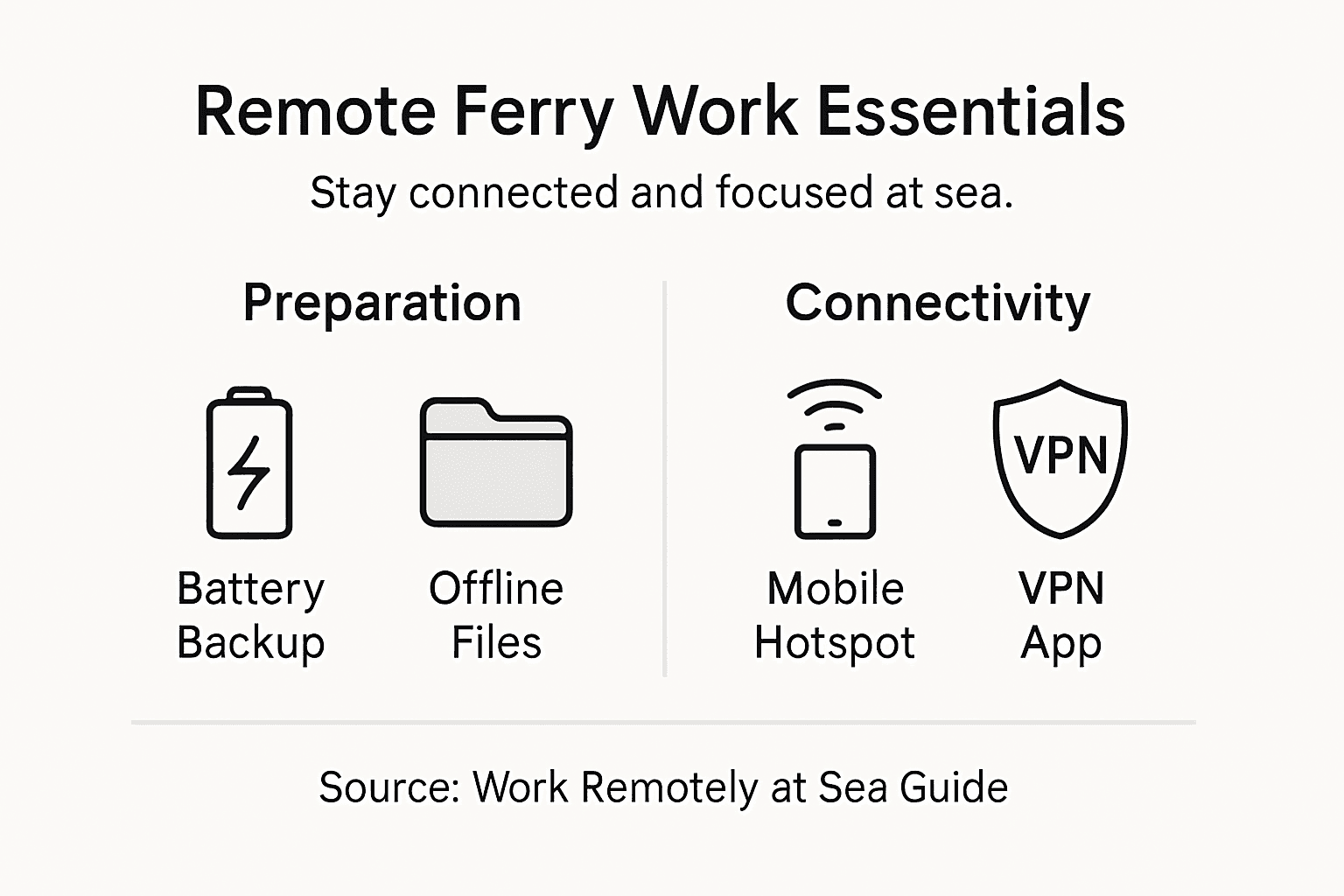
Establish a comprehensive communication failsafe strategy that anticipates potential connectivity interruptions. Create a detailed communication plan with your team that outlines expected response times and alternative contact methods. Develop a priority system for urgent communications that specifies how critical messages will be transmitted during limited connectivity windows. Prepare offline work packages that include downloadable documents, cached emails, and prewritten communication drafts to maintain productivity during internet disruptions.
Pro tip: Purchase local prepaid SIM cards from multiple carriers before your trip to maximize cellular network coverage and reduce potential connectivity dead zones.
This summary highlights key contingency actions for maintaining internet and communications reliability:
| Action | Purpose | Recommended Timing |
|---|---|---|
| Test backup devices | Ensure alternate access works | Before departure |
| Download offline coverage maps | Visualize network gaps | Prior to ferry boarding |
| Sync work applications | Ensure offline capability | While internet is stable |
| Set communication protocols | Manage expectations during outages | Before and during travel |
Stay Connected and Productive While Working Remotely on a Ferry
Working remotely on a ferry comes with unique challenges like ensuring stable internet, managing connectivity backup plans, and creating a productive workspace in a moving environment. The article highlights key concerns such as securing reliable onboard Wi-Fi, protecting sensitive data with VPNs, and maintaining communication despite variable network coverage. At Seafy, we understand these pain points and offer a seamless digital solution designed specifically for maritime travelers who need stable high-speed internet on ferries such as Corsica Ferries and Grimaldi Lines.

Don’t let unreliable connections disrupt your remote work or communication at sea. Visit Seafy today to explore our easy-to-use portal where you can purchase and activate Wi-Fi packages tailored for your ferry route. Experience the convenience of integrated satellite technologies like Starlink that ensure consistent internet access even in the middle of the Mediterranean. Prepare with confidence knowing your connectivity is backed by a platform trusted by major ferry lines. Ready to enhance your onboard work environment with uninterrupted internet access Visit Seafy and get started before your next trip.
Frequently Asked Questions
How can I prepare my technology for remote work on a ferry?
To prepare your technology for remote work on a ferry, select a lightweight laptop with excellent battery life and durability. Pack portable chargers and consider using waterproof cases to protect your devices from moisture.
What are the best ways to secure my internet connection while working on a ferry?
To secure your internet connection on a ferry, develop a backup connectivity strategy that includes using mobile hotspots and portable wireless routers. Make sure to test these devices before your trip to ensure they work seamlessly along your ferry route.
How can I create an effective workspace on a ferry?
Create an effective workspace on a ferry by choosing a consistent spot with stable seating and access to power outlets. Invest in portable ergonomic accessories to support your posture and minimize distractions during your work hours.
What strategies can I use for managing communication and work tasks while onboard?
To manage communication and work tasks effectively while onboard, implement remote team communication strategies that utilize tools with offline capabilities. Prepare detailed task lists and set up scheduled check-ins with your team to stay aligned despite connectivity challenges.
How do I verify my connectivity options before traveling on a ferry?
To verify your connectivity options, conduct a thorough connectivity assessment by testing all devices and research cellular network coverage along your ferry route. Download offline versions of essential applications, and prepare multiple internet access methods to ensure reliable connections.
What should I include in my offline work package for ferry travel?
Include documents, cached emails, and prewritten communication drafts in your offline work package to maintain productivity during potential connectivity interruptions. Ensure you have all critical materials available for access without the internet.