Tech & Wi-Fi
7 Essential Steps for a Smooth Ferry Wi-Fi Checklist
7 Essential Steps for a Smooth Ferry Wi-Fi Checklist ! Ferry passenger working on laptop by window More than 65 percent of remote professionals cite unreliable internet as their top productivity challenge while traveling abroad.
12 January 2026
7 Essential Steps for a Smooth Ferry Wi-Fi Checklist
More than 65 percent of remote professionals cite unreliable internet as their top productivity challenge while traveling abroad. If you are an American worker trying to meet deadlines from a Mediterranean ferry, inconsistent Wi-Fi can seriously disrupt your workflow. Reliable connectivity matters for video calls, file transfers, and staying responsive. Discover practical solutions for finding stable ferry Wi-Fi, comparing data packages, optimizing devices, securing your connection, and preparing for any tech setbacks before you set sail.
Table of Contents
- 1. Check Ferry Wi-Fi Availability And Coverage
- 2. Compare Onboard Wi-Fi Packages And Prices
- 3. Register And Access The Ferry Wi-Fi Portal
- 4. Optimize Device Settings For Stable Connections
- 5. Secure Your Connection With Vpn And Strong Passwords
- 6. Download Must-Have Apps And Offline Content In Advance
- 7. Plan Backup Options To Stay Productive At Sea
Quick Summary
| Key Insight | Explanation |
|---|---|
| 1. Research Ferry Wi-Fi Availability | Check the ferry operator’s website for Wi-Fi coverage and service details before your journey. This ensures you are prepared for connectivity options during your trip. |
| 2. Compare Wi-Fi Packages in Advance | Choose the best Wi-Fi package based on your needs, considering data limits and prices, and purchase it online before boarding to secure better rates. |
| 3. Prepare for Wi-Fi Registration | Familiarize yourself with the registration process to connect smoothly once onboard, including knowing the network name and having a payment method ready. |
| 4. Optimize Device Settings for Better Connectivity | Adjust device settings such as frequency band selection and background app refresh to enhance Wi-Fi performance while at sea. |
| 5. Utilize Backup Internet Options | Have alternative internet solutions ready, like mobile hotspots or pre-downloaded resources, to ensure you stay productive if the primary connection fails. |
1. Check Ferry Wi-Fi Availability and Coverage
Before embarking on your maritime journey, understanding the Wi-Fi landscape is crucial for staying connected. Not all ferry routes offer the same level of digital connectivity, which means researching your specific route’s Wi-Fi capabilities becomes a strategic first step.
Modern ferry services like Seafy recognize that passengers need reliable internet access. Travelers often depend on connectivity for work, communication, entertainment, and navigation. Most ferry routes now provide onboard Wi-Fi through satellite technologies powered by networks such as Starlink, enabling passengers to browse, message, and stream during sea crossings.
To effectively check Wi-Fi availability, start by reviewing the ferry operator’s website or contacting their customer service. Look for specific details about internet coverage, package options, and potential connectivity zones. Some key questions to ask include: Does Wi-Fi work throughout the entire journey? Are there speed limitations? What are the purchase options?
Different ferry lines have varying Wi-Fi infrastructures. For instance, Corsica Ferries, Grimaldi Lines, and GNV offer comprehensive Wi-Fi services with coverage in cabins and common areas. Understand that actual speeds might fluctuate based on maritime conditions and passenger usage.
Recommended Research Strategies:
- Check the ferry operator’s official website
- Review online forums and traveler reviews
- Contact customer support for precise connectivity details
- Consider purchasing Wi-Fi packages in advance
Pro Tip: Purchase your Wi-Fi package before boarding to ensure immediate connectivity and potentially save money compared to onboard rates.
2. Compare Onboard Wi-Fi Packages and Prices
Selecting the right Wi-Fi package can make or break your digital experience during a maritime journey. Understanding the nuances of Wi-Fi options on Mediterranean ferries helps you choose a plan that matches your connectivity needs.
Onboard Wi-Fi packages typically vary in data allowance, speed, and pricing. Seafy offers four distinct options catering to different user requirements. The packages range from basic messaging to high bandwidth streaming, ensuring travelers can find a suitable plan for their specific needs.
Wi-Fi Package Options:
- Easy Package: 1 GB for €4.99 (messaging apps)
- Digital Package: 2 GB for €8.99 (browsing and social media)
- Digital Plus Package: 4 GB for €14.99 (light streaming and multitasking)
- Star Plus Package: 8 GB for €30 (HD streaming and video calls)
Key considerations when comparing packages include data volume, duration (all packages last 24 hours), device registration limits (up to 3 devices, with only one active connection), and your anticipated internet usage. Remote workers might prefer Digital Plus or Star Plus, while casual travelers could opt for Easy or Digital packages.
Pro Tip: Purchase your Wi-Fi package online before boarding to secure better rates and ensure immediate connectivity upon departure.
3. Register and Access the Ferry Wi-Fi Portal
Connecting to onboard Wi-Fi requires navigating the ferry’s digital access portal smoothly and efficiently. Understanding how to register for Wi-Fi access can save you time and prevent connectivity frustrations during your maritime journey.
Most ferry Wi-Fi portals operate through a straightforward process. Typically, you will need to locate the network name (often labeled with the ferry company or Seafy), connect to the network, and open your web browser. The portal will automatically redirect you to a registration page where you can purchase and activate your chosen Wi-Fi package.
Key Registration Steps:
- Open your device’s Wi-Fi settings
- Select the onboard Wi-Fi network
- Launch any web browser
- Complete the registration form
- Select and purchase your preferred data package
- Confirm activation and start browsing
Be prepared with a valid payment method and ensure your device meets the portal’s technical requirements. Some portals allow registration of multiple devices, but often only one device can be actively connected simultaneously.
Pro Tip: Keep your device charged and have a backup power bank ready, as registering and accessing the Wi-Fi portal can consume battery life quickly.
4. Optimize Device Settings for Stable Connections
Reliable internet connectivity during maritime travel depends significantly on your device configuration. Understanding how to optimize Wi-Fi settings can make the difference between a frustrating or productive journey.
Onboard Wi-Fi performance relies on strategic device management. Modern travelers need to understand frequency bands, signal strength, and interference reduction techniques. The 2.4 GHz band provides broader coverage, while the 5 GHz band delivers faster speeds with less congestion.
Device Optimization Strategies:
- Disable automatic system updates
- Turn off mobile data to prevent network switching
- Select 5 GHz frequency when possible
- Position device near Wi-Fi access points
- Reduce background app refresh rates
- Close unnecessary applications consuming bandwidth
Specific settings can significantly improve connection stability. Maintaining signal strength better than 70 dBm and selecting less crowded Wi-Fi channels will enhance your browsing experience. Some devices offer built-in fast roaming features that can help maintain consistent connectivity during movement.
Pro Tip: Before boarding, reset your device network settings and clear cached network information to ensure a clean connection initialization.
5. Secure Your Connection With VPN and Strong Passwords
Public Wi-Fi networks like those on ferries present significant security risks for digital travelers. Understanding how to protect your online privacy is crucial for maintaining digital safety during maritime journeys.
A virtual private network (VPN) serves as your primary defense mechanism when using shared internet connections. By encrypting your internet traffic, a VPN shields your personal data from potential cybercriminals and prevents unauthorized access to your sensitive information.
Essential Security Strategies:
- Install a reputable VPN before traveling
- Use strong unique passwords for all accounts
- Enable two factor authentication
- Avoid accessing sensitive financial websites
- Disable automatic network connections
- Update device security settings regularly
When selecting a VPN, prioritize services with robust encryption protocols, no logging policies, and multiple server locations. Look for features like malware blocking, IP masking, and automatic kill switches that disconnect your internet if the VPN fails.
Pro Tip: Create a dedicated travel email account with a complex password specifically for use during public Wi-Fi sessions to minimize potential security breaches.
6. Download Must-Have Apps and Offline Content in Advance
Preparing digital resources before your ferry journey can transform an unpredictable travel experience into a seamless adventure. Understanding how to prepare offline travel apps ensures you remain productive and entertained regardless of internet connectivity.
Mobile technology offers powerful offline solutions that work perfectly during maritime travel. By downloading essential applications and content beforehand, you create a digital survival kit that keeps you connected and engaged even without consistent internet access.
Essential Offline App Categories:
- Navigation apps with downloadable maps
- Language translation tools
- Offline document editors
- Media streaming with offline playlists
- Travel itinerary organizers
- Currency conversion applications
- Offline note taking software
Prioritize applications that function comprehensively without internet connection. Look for apps that allow complete offline mode downloads, including maps, language packs, translation dictionaries, and work documents. Many productivity and entertainment apps now offer robust offline capabilities specifically designed for travelers.
Pro Tip: Create a dedicated offline folder on your device and systematically download necessary content at least 24 hours before your ferry departure to ensure smooth preparation.
7. Plan Backup Options to Stay Productive at Sea
Maritime travelers require robust internet backup strategies to maintain productivity during unpredictable sea journeys. Understanding how to implement failover internet solutions can prevent costly work interruptions.
Modern digital nomads recognize that connectivity is not guaranteed at sea. Satellite technologies like Starlink, cellular hotspots, and 5G failover routers offer critical alternative connection methods when primary internet services become unstable.
Strategic Backup Connectivity Options:
- Cellular data hotspots
- Satellite internet services
- Portable 5G routers
- Offline productivity applications
- Predownloaded work documents
- External battery packs
- Offline note taking software
Advanced travelers implement load balancing techniques that allow simultaneous connections across multiple networks. This approach ensures continuous internet access by automatically switching between available connection types when one fails. Prioritize backup solutions that provide seamless transition without manual intervention.
Pro Tip: Purchase a local SIM card with data plan before your ferry journey to ensure an affordable and reliable backup internet connection.
Below is a comprehensive table summarizing the steps, strategies, and key considerations for ensuring reliable internet connectivity during ferry travel and maintaining productivity at sea as discussed in the article.
| Aspect | Details | Benefits and Outcomes |
|---|---|---|
| Wi-Fi Availability | Research available options from the ferry service provider’s website or customer support. | Ensure internet access is reliable throughout the journey. |
| Comparing Packages | Evaluate Wi-Fi packages based on data allowance, speed, and pricing, like those offered by Seafy. | Select a plan that meets connectivity needs, saving costs and ensuring efficient usage. |
| Device Registration | Connect through the ferry’s portal by registering and selecting a suitable package. | Gain seamless access to the onboard Wi-Fi services. |
| Optimize Device Settings | Adjust settings such as frequency band selection and disable automatic updates for better connectivity. | Enhance internet reliability and speed. |
| Use of VPNs | Employ virtual private networks and other security measures for safe browsing. | Protect personal information from cybersecurity threats. |
| Offline Content Preparation | Download necessary apps, content, and media before traveling. | Stay entertained and productive even without internet access. |
| Backup Connectivity Options | Prepare alternative internet sources such as cellular hotspots or offline tools. | Maintain productivity and connectivity even in case of primary network failure. |
Stay Connected and Secure on Every Ferry Journey with Seafy
Navigating the challenge of reliable ferry Wi-Fi can be stressful, especially when you need stable internet for work or staying in touch with loved ones. Issues like limited coverage, confusing registration portals, and security risks are common concerns. The article “7 Essential Steps for a Smooth Ferry Wi-Fi Checklist” highlights crucial steps such as checking availability, comparing packages, registering easily, optimizing device settings, and protecting your connection with VPNs. It also emphasizes preparing offline content and planning backups to avoid frustrating interruptions at sea.
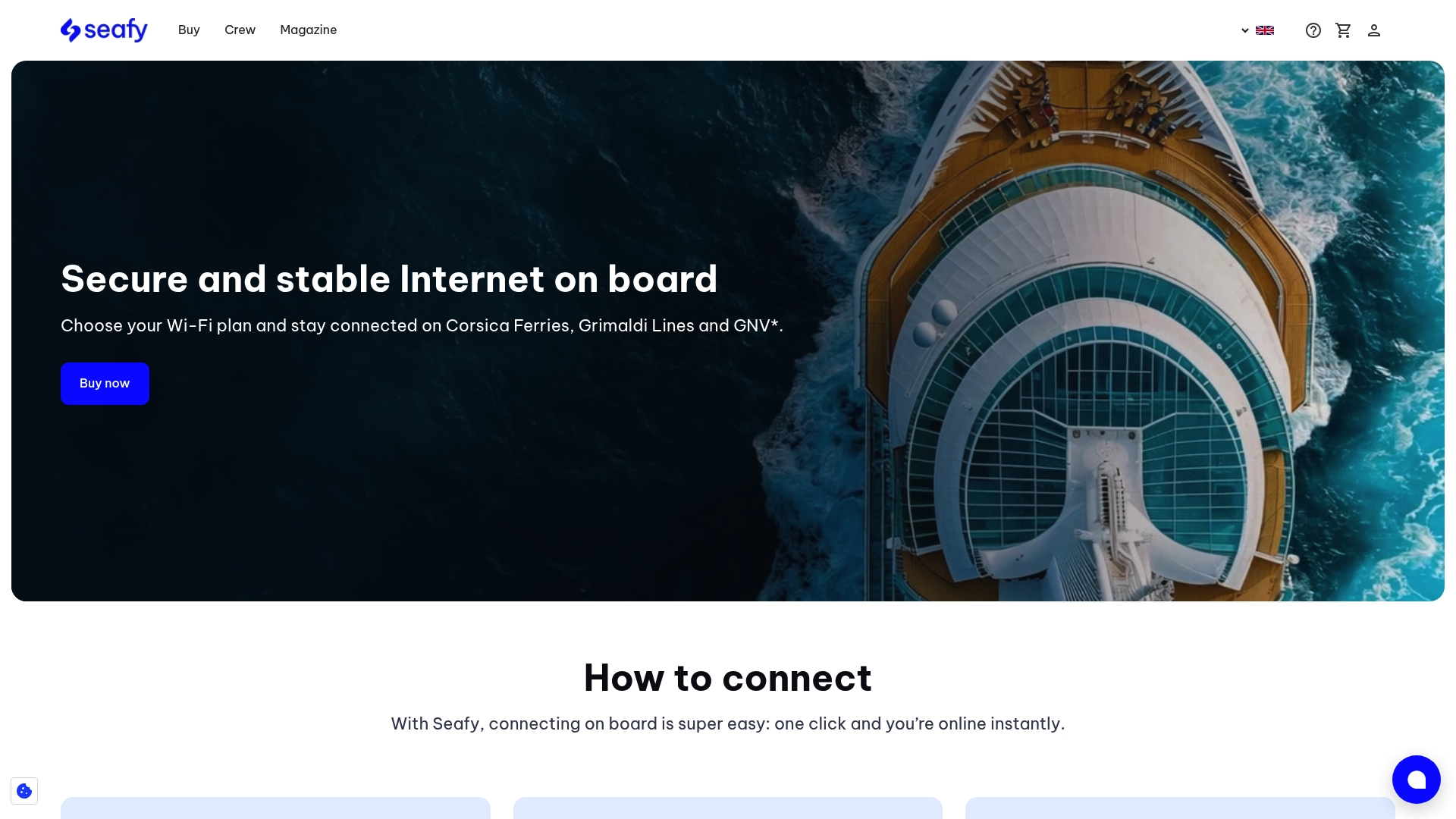
Seafy understands these pain points and has designed a seamless onboard Wi-Fi experience that takes away the guesswork. Trusted by major ferry lines including Corsica Ferries, Grimaldi Lines, and GNV, Seafy offers easy access to fast and stable internet powered by satellite technologies like Starlink. You can browse and purchase tailored Wi-Fi packages through a user-friendly portal that supports multiple devices and ensures you stay productive or entertained throughout your maritime travel. Don’t let weak connectivity or security worries spoil your trip. Explore how to optimize your ferry connectivity today at Seafy and access practical guides on staying secure and productive while at sea.
Take control of your ferry internet experience now to enjoy smooth sailing with uninterrupted connection and peace of mind.
Frequently Asked Questions
How can I check Wi-Fi availability on my ferry route?
Before your journey, visit the ferry operator’s website or contact customer service to inquire about Wi-Fi capabilities. Ask specific questions about coverage areas, speed limitations, and package options to get a clear understanding of what to expect.
What Wi-Fi package should I choose for my ferry trip?
Select a Wi-Fi package based on your internet usage needs. If you plan to stream video or work simultaneously on multiple devices, opt for higher data allowance options like the Star Plus Package, which provides 8 GB for €30.
How do I register and access the ferry Wi-Fi portal?
Connect to the onboard Wi-Fi network using your device’s settings, then launch a web browser to access the registration page. Complete the required form, choose your data package, and confirm activation to enjoy uninterrupted internet during your journey.
What settings can I adjust on my device to enhance Wi-Fi connectivity?
Optimize your device settings by disabling automatic updates and background apps that consume bandwidth. Additionally, select the 5 GHz frequency band if available, and position your device close to Wi-Fi access points to maintain a stable connection.
How can I secure my connection while using ferry Wi-Fi?
Use a virtual private network (VPN) to encrypt your internet traffic and protect your personal information from potential security threats. Install the VPN before your trip and always enable it when accessing public Wi-Fi networks to enhance your online safety.
What backup options can I consider for internet connectivity during my ferry trip?
Plan for internet disruptions by preparing backup connectivity solutions such as a cellular data hotspot or a portable 5G router. This ensures you maintain productivity even if the ferry Wi-Fi is unstable or unavailable.