Travel tips
Ways to Stay Productive on Ferries: Your 2026 Guide
Discover effective ways to stay productive on ferries. Turn transit time into valuable work hours with smart scheduling and the right gear.
22 June 2026
Ways to Stay Productive on Ferries: Your 2026 Guide
TL;DR:
- Ferry travel offers reliable work time of about 45 minutes, which can be used productively.
- Planning tasks according to connectivity levels and packing a dedicated work kit enhances efficiency at sea.
Ferry travel is one of the most underused work environments for remote workers and commuters. The best ways to stay productive on ferries combine smart scheduling, the right gear, and reliable connectivity to turn transit time into real output. Ferry transit can provide about 45 minutes of reliable work time even on shorter routes. That is not dead time. That is a focused work block most office workers would envy.
1. Ways to stay productive on ferries start with scheduling
The single most effective productivity move on a ferry is deciding what you will work on before you board. Setting work blocks in advance reduces mental friction and maximizes actual working hours onboard. Without a plan, you spend the first 20 minutes deciding what to do.
The key principle is matching task type to connectivity level:
- Port days are best for bandwidth-heavy work: video calls, cloud sync, uploading large files, and real-time collaboration in tools like Google Docs or Slack.
- Sea days are best for offline and deep focus work: writing, editing, reading, planning, and reviewing documents you downloaded before boarding.
- Mixed routes call for a hybrid approach. Start offline, then switch to connected tasks once the ferry nears port.
Pre-assigning tasks to port days versus sea days removes decision fatigue and lets you actually enjoy the non-working hours. A sample schedule for a 4-hour Mediterranean crossing might look like this: 9:00–10:00 a.m. for email triage and reading offline, 10:00–11:30 a.m. for connected tasks via Seafy Wi-Fi, and 11:30 a.m. onward for rest or leisure.
Pro Tip: Set a hard stop time for work, such as 11:00 a.m., and stick to it. Defined work hours prevent burnout and keep ferry travel from feeling like a floating office with no exit.
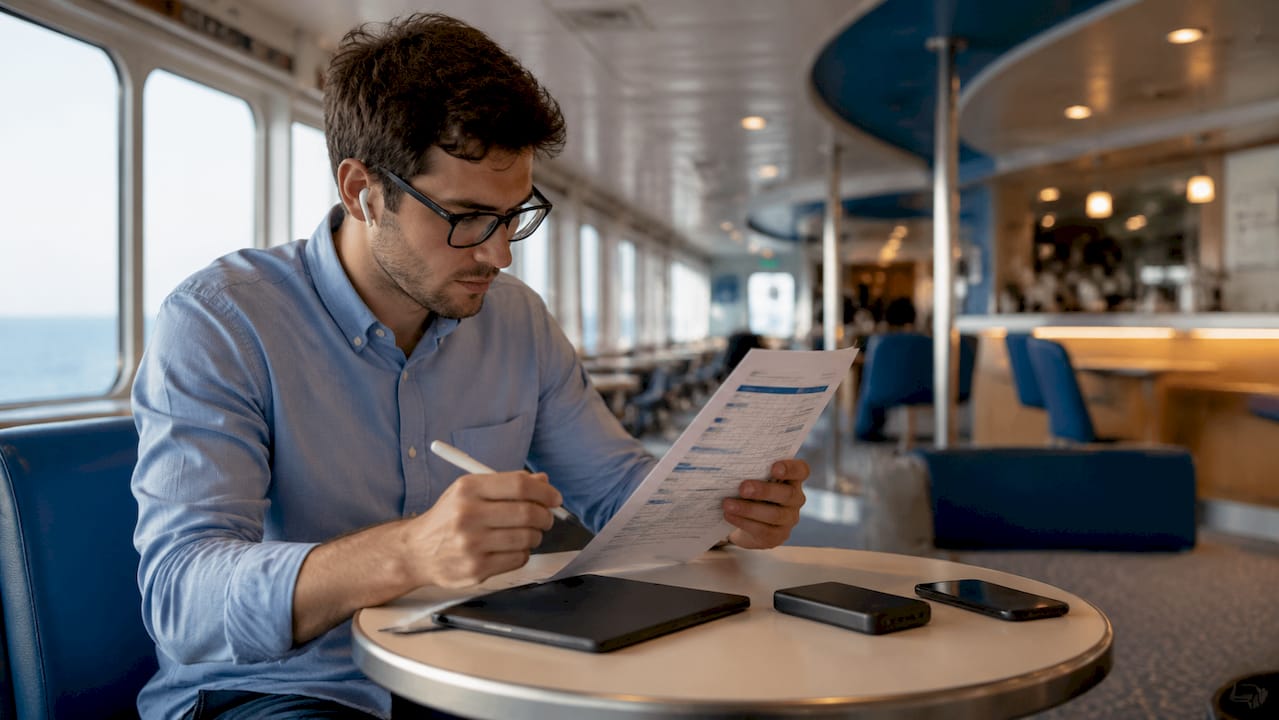
2. Pack a dedicated work kit to cut friction
Physical friction is the hidden productivity killer on ferries. Every minute you spend hunting for a charger or untangling cables is a minute you are not working. A two-bag system solves this cleanly: one bag holds your work essentials within arm’s reach, the other holds everything else in the overhead compartment.
Your work bag should include:
- Laptop charger and a power bank with enough capacity for a full workday
- Noise-cancelling headphones (Sony WH-1000XM5 or Bose QuietComfort 45 are reliable choices)
- A compact notebook and pen for quick ideas or offline planning
- Universal travel adapter if you are crossing between countries
- Snacks and a water bottle to avoid leaving your seat during a focus block
- Downloaded files and offline apps loaded before you board
Keeping a charged power bank and essential documents accessible reduces your time-to-resume after any interruption. On a moving ship, stepping away from your seat to retrieve something from overhead storage breaks your concentration completely.
Pro Tip: Pack your work kit the same way every trip. Consistency in your packing routine means zero prep time at the terminal and zero searching once you are onboard.
3. Match your tasks to your connectivity window
Not all productive activities on ferries require an internet connection. The smartest ferry workers keep two task lists: one for online work and one for offline work. That way, a spotty connection never stops your momentum.
Offline tasks that work well on ferries:
- Drafting emails, reports, or proposals in a local editor like Microsoft Word or Apple Pages
- Reading saved articles via Pocket or downloaded PDFs
- Listening to podcasts or audiobooks for professional development
- Language learning with apps like Duolingo, which works offline
- Brainstorming, mind mapping, or planning future projects in a notebook
Online tasks to batch during connected periods:
- Video calls and team standups via Zoom or Google Meet
- Syncing files to Dropbox or Google Drive
- Sending and receiving emails with large attachments
- Updating project management tools like Asana or Notion
Scheduling offline and online tasks in advance improves both productivity and travel enjoyment. When the Wi-Fi is strong, you are ready to use it. When it drops, you have a full offline queue waiting.
Ship Wi-Fi manages emails and light browsing well but can struggle with heavy use. Carry a local SIM card or wireless hotspot as a backup for critical calls or large uploads.
4. Choose your seat strategically
Where you sit on a ferry determines how much you actually get done. The wrong seat costs you concentration, comfort, and sometimes your lunch. The right seat turns the crossing into a productive work session.
- Avoid seating near announcement speakers. Ferry announcements for meals, shows, and disembarkation are frequent and loud. Noise-cancelling headphones and seating away from high-traffic areas significantly improve concentration.
- Sit near a power outlet. Most modern ferries on routes operated by Corsica Ferries, Grimaldi Lines, and GNV have outlets at cabin desks or in lounge areas. Claim one early.
- Choose a window seat on the shaded side. Screen glare from direct sunlight makes laptop work painful. The shaded side of the vessel gives you natural light without the glare.
- Pick a stable zone. The center of the ship, close to the waterline, experiences the least motion. If you are prone to motion sickness, this seat choice matters more than any app.
Pro Tip: Tell your travel companions your work hours before boarding. A quick “I’m working from 9 to 11” prevents interruptions and sets clear expectations without any awkwardness.
5. Use ferry time to align with your remote team
Planning ferry work hours to fit your team’s schedule enhances communication and keeps you synchronized with colleagues. A 9:00 a.m. EST standup, for example, maps to early afternoon on a Mediterranean crossing. Knowing this in advance lets you board with your calendar already set.
This is one of the most overlooked tips for ferry travel productivity. Most remote workers treat the crossing as a gap in their day. The better approach is to treat it as a scheduled work block that happens to be on water. Block it in your calendar, notify your team, and protect it like any other meeting.
Tools like Grammarly or scheduling apps help maintain productivity during low-connectivity periods. Apps that sync when a connection is available, like Notion or Todoist, are especially useful for ferry workers who move between online and offline states throughout the day.
6. Manage motion sickness before it manages you
Motion sickness is the productivity threat nobody puts on their packing list. It can end a work session in minutes and ruin the rest of the crossing. The fix is mostly preventive.
Sit in the center of the ship where movement is minimal. Face forward rather than sideways. Take short breaks to look at the horizon, which resets your inner ear’s balance signals. If you know you are sensitive, take an over-the-counter remedy like Dramamine before boarding, not after symptoms start.
Avoid reading on a phone or small screen in rough seas. Switch to audio tasks like podcasts, dictating notes, or listening to a recorded meeting. Your ears can work even when your eyes cannot. This is one of the most practical tips for how to work on ferries that most guides skip entirely.
Key takeaways
Ferry productivity is highest when you match task type to connectivity level and prepare your physical setup before boarding.
| Point | Details |
|---|---|
| Schedule by connectivity | Assign online tasks to port windows and offline tasks to sea crossings. |
| Pack a two-bag work kit | Keep chargers, power bank, and headphones in one accessible bag. |
| Protect your work hours | Set a hard stop time to prevent work from bleeding into your travel time. |
| Choose your seat deliberately | Sit near outlets, away from speakers, and in the ship’s stable center. |
| Prepare offline task queues | Download files and load offline apps before you board so connectivity gaps never stop you. |
My honest take on ferry productivity
I have worked across enough Mediterranean crossings to know that the biggest mistake is treating the ferry like a waiting room. The moment you reframe it as a scheduled work block, everything changes. You stop feeling behind and start feeling ahead.
The two-bag system sounds almost too simple, but it genuinely works. The first time I stopped digging through a single overstuffed bag for my charger mid-crossing, I realized how much mental energy that friction was costing me. Small physical setups create large mental payoffs.
One thing most productivity guides miss: flexibility matters as much as structure. Some crossings are rough. Some days your focus is just not there. The goal is not to squeeze every minute. The goal is to have a clear plan so that when conditions are good, you can execute without hesitation. When they are not, you can let it go without guilt.
If you are a regular ferry commuter on routes with Corsica Ferries or GNV, I would strongly recommend building a ferry-specific work routine and sticking to it for at least a month. The consistency compounds. You will board knowing exactly what you are doing, and you will disembark having actually done it.
— Raffaele
Seafy keeps you connected while you work at sea
Reliable internet is the foundation of every productive ferry crossing. Seafy is the onboard Wi-Fi platform trusted by passengers on Corsica Ferries, Grimaldi Lines, and GNV routes across the Mediterranean. You can purchase and activate a Wi-Fi package directly through the Seafy portal once you are onboard. No complicated setup. No hunting for a network.

Seafy integrates with Starlink satellite technology to deliver stable connections even in open water. That means your video calls, file syncs, and cloud tools work when you need them. Whether you are a daily commuter or a digital nomad on a longer crossing, get connected at sea through Seafy and make every crossing count.
FAQ
What are the best ways to stay productive on ferries?
The most effective approach combines scheduling tasks by connectivity level, packing a dedicated work kit, and choosing a stable, low-noise seat. Treating ferry transit as a scheduled work block rather than downtime is the single biggest shift you can make.
How do I work on ferries without reliable Wi-Fi?
Prepare an offline task queue before boarding: download files, load apps like Notion or Duolingo for offline use, and draft documents locally. Ship Wi-Fi handles light browsing well, so save bandwidth-heavy tasks for port windows or use a mobile hotspot as backup.
What should I pack to maximize ferry commute time?
Pack a power bank, laptop charger, noise-cancelling headphones, a compact notebook, and a universal adapter in one easy-access bag. A consistent packing routine eliminates prep time and keeps your focus on work, not logistics.
Can I take video calls on a ferry?
Yes, with a stable connection. Seafy’s onboard Wi-Fi on routes with Corsica Ferries, Grimaldi Lines, and GNV supports video calls. Schedule calls during port windows or early in the crossing when network demand is lower for the best experience.
How do I avoid motion sickness while working on a ferry?
Sit in the center of the ship, face forward, and take regular breaks to look at the horizon. Switch to audio tasks like podcasts or dictation during rough conditions, and take an over-the-counter remedy before boarding if you know you are sensitive.