Tech & Wi-Fi
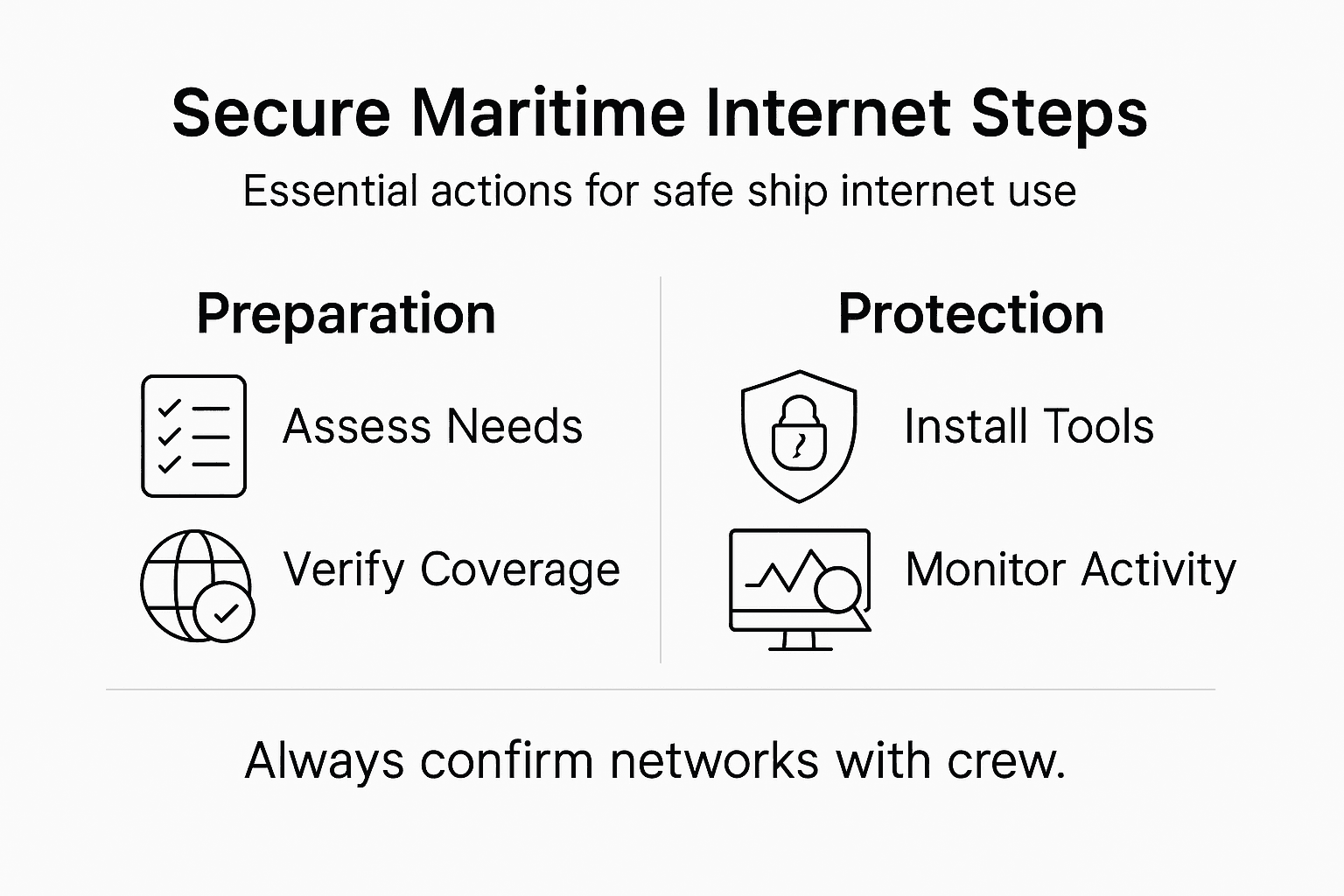
Step-by-Step Guide to Secure Maritime Internet Access
Follow this guide to secure maritime internet with easy steps for ferry and cruise travelers. Learn how to connect, protect, and verify safe onboard Wi-Fi access.
05 February 2026
Step-by-Step Guide to Secure Maritime Internet Access
Staying online while crossing the waters between Italy and Greece or working remotely from a sunny ferry in the Mediterranean can feel like a lifeline. Reliable onboard Wi-Fi has become more than a perk for travelers wanting to keep in touch with family, stream their favorite shows, or manage work tasks from sea. Understanding your maritime internet connectivity options means you can choose Wi-Fi solutions that fit your route and protect your privacy, ensuring strong and secure connections wherever your journey takes you.
Table of Contents
- Step 1: Assess Available Onboard Internet Options
- Step 2: Install Essential Security Tools Before Connecting
- Step 3: Connect Safely to the Ship’s Wi-Fi Network
- Step 4: Configure Privacy Settings on Your Device
- Step 5: Verify Secure Connection and Monitor Activity
Quick Summary
| Key Point | Explanation |
|---|---|
| 1. Choose the right internet option | Assess satellite, cellular, and hybrid systems based on your route and connectivity needs. |
| 2. Install essential security tools | Protect your devices by using antivirus, firewalls, and authentication tools before connecting. |
| 3. Connect safely to Wi-Fi | Verify network legitimacy and use strong passwords along with a VPN for safer connectivity. |
| 4. Configure privacy settings | Manage app permissions and restrict data sharing to safeguard personal information while online. |
| 5. Monitor your connection | Continuously check for encryption and unusual network activity to stay proactive against threats. |
Step 1: Assess available onboard internet options
Understanding your maritime internet connectivity options is crucial for staying connected during sea travel. Today’s ships offer multiple internet solutions that can help you maintain reliable communication and access essential online services.
When evaluating onboard internet options, you’ll want to consider several key technologies. Maritime connectivity technologies now include diverse solutions like satellite networks, cellular connections, and hybrid systems. Here are the primary internet access methods to assess:
-
Satellite Internet
- Geostationary (VSAT) satellites
- Low Earth Orbit (LEO) satellites like Starlink
- Provides global coverage
- Varying speed and latency characteristics
-
Cellular Networks
- 4G/5G connections near coastlines
- Limited range from shore
- Generally faster speeds
- Cost-effective for shorter routes
-
Hybrid Systems
- Combine multiple connection types
- Automatic switching between networks
- Enhanced reliability and performance
Your specific internet needs will depend on your voyage route, duration, and required bandwidth. Professional maritime internet services now offer tailored packages that can match your connectivity requirements.
Here’s a concise comparison of maritime internet connectivity options and their typical suitability:
| Internet Option | Ideal Use Case | Limitations | Typical Cost Range |
|---|---|---|---|
| Satellite Network | Global, remote voyages | Higher latency, cost | $500-$2000/month |
| Cellular Network | Coastal, short trips | Limited range offshore | $30-$200/month |
| Hybrid System | Mixed routes, reliability | Requires integration effort | $300-$2500/month |
This breakdown helps clarify which technology fits your route and connectivity needs best.
Selecting the right onboard internet option can make the difference between staying connected or feeling isolated during your maritime journey.
Pro tip: Always verify the specific internet packages and coverage areas before your voyage to avoid unexpected connectivity challenges.
Step 2: Install essential security tools before connecting
Before you connect to maritime internet networks, you need a robust cybersecurity strategy to protect your digital assets and personal information. Installing the right security tools is your first line of defense against potential cyber threats while at sea.
Maritime cybersecurity protocols recommend implementing comprehensive security measures to safeguard your digital environment. Here are the essential security tools you should install:
-
Antivirus Software
- Real-time scanning capabilities
- Regular automatic updates
- Comprehensive malware protection
- Maritime-specific threat detection
-
Firewall Configuration
- Network-level protection
- Incoming and outgoing traffic monitoring
- Custom security rule settings
- Intrusion prevention systems
-
Authentication Tools
- Multi-factor authentication
- Strong password management
- Role-based access controls
- Encrypted login credentials
Before establishing any internet connection, ensure all your security tools are updated and configured correctly. This proactive approach significantly reduces your vulnerability to potential cyberattacks and protects your sensitive information.

To help prioritize your cybersecurity, here’s a summary of essential security tools and their protective value:
| Security Tool | Main Protection | Impact on Safety |
|---|---|---|
| Antivirus Software | Malware detection | Prevents infections |
| Firewall Configuration | Blocks threats | Secures network |
| Authentication Tools | Access control | Stops unauthorized use |
Understanding each tool’s core function ensures a layered and resilient cyber defense.
Cybersecurity is not just a technical requirement – it’s your digital shield in the unpredictable maritime internet landscape.
Pro tip: Always perform a comprehensive security scan of your devices immediately after connecting to a new maritime network to detect any potential vulnerabilities.
Step 3: Connect safely to the ship’s Wi-Fi network
Connecting to onboard Wi-Fi requires more than just finding a network and entering a password. You need a strategic approach to ensure your digital safety while enjoying internet access during your maritime journey.
Shipboard network security guidelines recommend a careful process for establishing a secure internet connection. Here are the critical steps to connect safely:
-
Network Verification
- Confirm official ship network name
- Check with crew about authorized Wi-Fi networks
- Verify network authenticity before connecting
- Avoid unknown or unsecured networks
-
Authentication Process
- Use provided unique login credentials
- Enable two-factor authentication
- Create strong, unique passwords
- Avoid sharing login information
-
Connection Security
- Use a virtual private network (VPN)
- Encrypt your internet traffic
- Disable automatic network connections
- Turn off file sharing
Each connection represents a potential security risk, so approach maritime Wi-Fi with caution. Verify network legitimacy, use strong authentication, and maintain vigilant digital hygiene throughout your voyage.
Your maritime internet connection is only as secure as the precautions you take before connecting.
Pro tip: Always ask ship staff to confirm the official Wi-Fi network name and recommended connection procedures to avoid potential security risks.
Step 4: Configure privacy settings on your device
Protecting your personal data while using maritime internet requires proactively managing your device’s privacy settings. Your digital safety depends on understanding and controlling how your information is shared and accessed online.
Digital privacy management strategies provide essential guidance for securing your personal information across different devices and networks. Follow these comprehensive steps to enhance your digital privacy:
-
Device Permission Controls
- Review app access permissions
- Disable unnecessary location tracking
- Limit background data usage
- Restrict app access to contacts
-
Network Privacy Settings
- Turn off automatic network discovery
- Disable public network sharing
- Use private browsing modes
- Block third-party cookies
-
Data Sharing Restrictions
- Opt out of ad personalization
- Minimize data collection permissions
- Disable cross-app tracking
- Review privacy settings regularly
Your maritime internet experience should balance connectivity with personal data protection. Take time to understand and customize your device settings to create a secure digital environment.
Privacy is not a luxury – it’s a fundamental right you must actively protect in the digital world.
Pro tip: Create a dedicated privacy checklist and review your device settings before and after each maritime internet session to maintain maximum security.
Step 5: Verify secure connection and monitor activity
Ensuring your maritime internet connection remains secure requires active monitoring and vigilant oversight. Your digital safety depends on continuously verifying network integrity and watching for potential security risks.
Maritime cybersecurity monitoring guidelines recommend implementing robust connection verification techniques to protect your digital environment. Follow these critical steps to maintain a secure online presence:
-
Connection Encryption Check
- Verify HTTPS protocol
- Check SSL/TLS certificate validity
- Confirm network encryption status
- Look for secure padlock icon
-
Network Activity Monitoring
- Track active connections
- Review data transmission logs
- Monitor unexpected network traffic
- Identify unusual connection patterns
-
Suspicious Activity Detection
- Watch for unexpected pop-ups
- Check for unknown devices
- Monitor bandwidth usage
- Record connection timestamps
Connectivity at sea presents unique challenges. Stay proactive by continuously assessing your network’s security status and being prepared to disconnect if anything seems suspicious.
Your vigilance is the most powerful firewall against potential maritime cyber threats.
Pro tip: Install a reliable network monitoring app that provides real-time alerts about potential security breaches during your maritime internet session.
Stay Connected and Secure with Seafy on Your Maritime Journey
Navigating the complexities of maritime internet access means facing challenges like unreliable connections, cybersecurity threats, and managing privacy settings while at sea. This guide highlights the need for reliable satellite and cellular networks, robust security tools, and vigilant monitoring to keep you safe and connected. If you want a seamless onboard internet experience without compromising security, Seafy is the solution designed just for you.

Choose Seafy to access high-speed Wi-Fi on major ferry and cruise ship routes including Corsica Ferries and Grimaldi Lines. Our platform integrates advanced satellite technologies like Starlink to deliver stable connectivity, and we offer easy-to-use packages with secure login processes that align with best practices in maritime cybersecurity. Don’t risk unreliable or unsafe connections at sea when you can confidently connect with Seafy. Visit Seafy’s homepage to explore smart digital onboard services and enhance your maritime internet experience today.
Frequently Asked Questions
What types of internet options are available for maritime connectivity?
There are several internet options for maritime connectivity, including Satellite Internet, Cellular Networks, and Hybrid Systems. Assess your specific needs based on your voyage route and duration to choose the most suitable option.
How can I ensure my internet connection on a ship is secure?
To ensure a secure internet connection on a ship, first verify the official network name and confirm it with the crew before connecting. Then, use strong, unique passwords and consider employing a virtual private network (VPN) for added security.
What security tools should I install before connecting to maritime internet?
Before connecting to maritime internet, install essential security tools such as antivirus software, firewalls, and authentication tools. Regularly update these tools and configure them correctly to build a robust cybersecurity defense against potential threats.
How can I monitor my activity and verify the security of my connection while at sea?
To monitor your activity and ensure your connection is secure, regularly check for HTTPS protocols and verify the validity of SSL/TLS certificates. Utilize network monitoring to track active connections and identify any unusual activity during your online sessions.
What steps should I take to manage my device’s privacy settings for maritime internet use?
To manage your device’s privacy settings, review and adjust app access permissions, and turn off unnecessary location tracking. Regularly restrict data sharing settings and use private browsing modes to limit exposure of your personal information while connected to maritime internet.