Tech & Wi-Fi
Remote Work Tips for Seafarers: Your 2026 Guide
Unlock effective strategies with our remote work tips for seafarers in 2026. Discover how to boost productivity and connectivity at sea!
05 June 2026
Remote Work Tips for Seafarers: Your 2026 Guide
TL;DR:
- Reliable internet connectivity and disciplined routines are essential for effective remote work at sea. Advances in LEO satellite technology now enable stable, low-latency internet, facilitating secure and productive offshore work environments. Proper workspace selection, scheduling, and mental health practices further support seafarers’ success in maritime remote working.
Effective remote work for seafarers depends on two non-negotiables: reliable internet connectivity and disciplined daily routines. The industry term for this practice is maritime remote working, and it covers everything from freelance professionals on Mediterranean ferries to officers managing shore-side tasks between watches. Modern Low Earth Orbit (LEO) satellite technology has made stable connectivity at sea genuinely achievable in 2026. The strategies below will help you protect your productivity, your data, and your wellbeing across every nautical mile.
1. How to secure reliable internet connectivity onboard
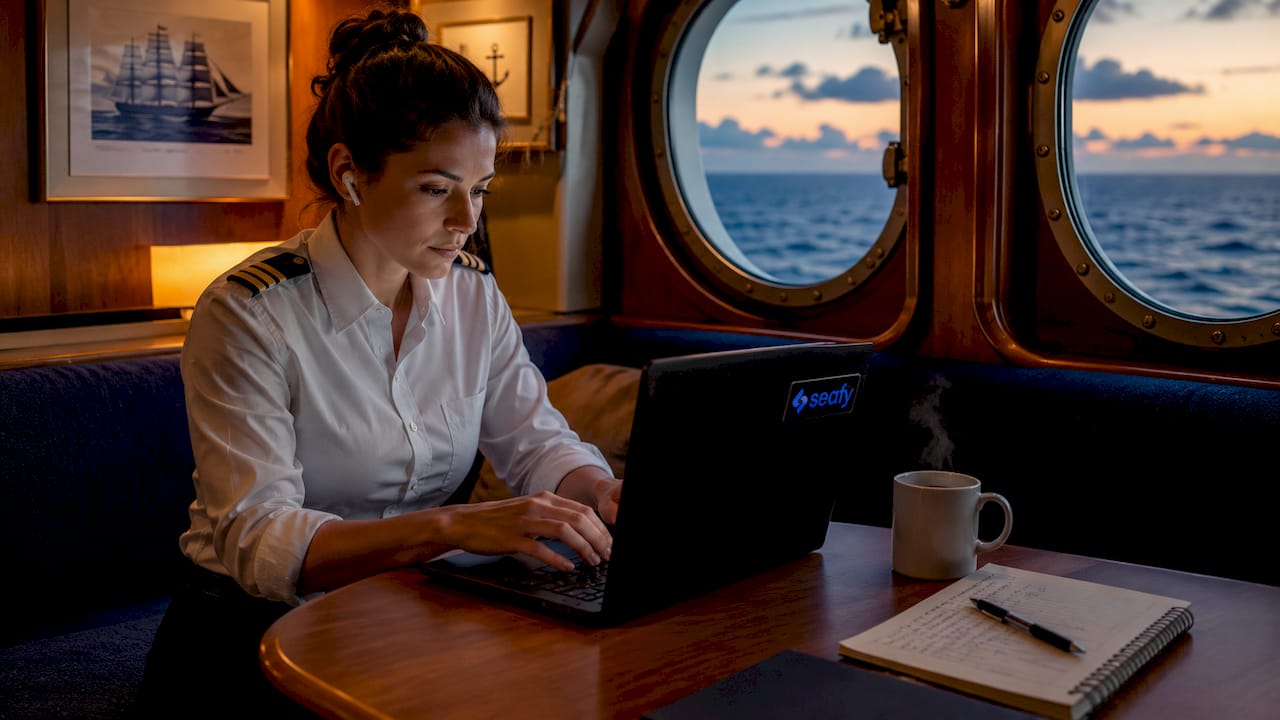
Connectivity is the foundation of every remote work tip for seafarers. Without a stable connection, every other strategy collapses. The good news is that LEO satellites now deliver latency as low as 30 to 50 milliseconds, which means video calls and cloud collaboration tools work reliably even in rough weather. That is a dramatic improvement over older geostationary systems and puts maritime remote work on par with many land-based offices.
Here is how to build a solid connection setup:
- Choose a quality Wi-Fi package. Platforms like Seafy let you purchase and activate a package directly from the onboard portal on routes with Corsica Ferries, Grimaldi Lines, and GNV. Pick a plan that covers your expected data usage for calls, uploads, and file sharing.
- Add a backup hotspot. Combining satellite Wi-Fi with a 4G/5G hotspot reduces the risk of downtime during signal drops. Keep a local SIM card loaded and ready.
- Schedule heavy uploads off-peak. Large file transfers and software updates should run overnight or during port stops, not during your core work hours.
- Use a VPN on every session. Public Wi-Fi on ships is risky; a VPN encrypts your traffic and protects client data from interception on shared networks.
Pro Tip: Test your connection speed and latency as soon as you board. If performance is poor in your cabin, move to a lounge or business center before your first scheduled call.
High-speed, uncapped satellite internet for crew is also becoming a key factor in crew retention, giving seafarers access to family calls and mental health resources between shifts.
2. Best workspace choices and ergonomic tips at sea
Your physical workspace directly affects your output. Cabins are private but often have poor Wi-Fi signal, limited desk space, and no natural light. Quiet lounges, business centers, and sheltered deck corners consistently offer better Wi-Fi and fewer distractions than standard cabins. The tradeoff is that shared spaces require you to work around other passengers, so timing matters.
Bring these items to build a functional setup anywhere onboard:
- A portable monitor for dual-screen productivity during long writing or analysis sessions
- Noise-cancelling headphones (Sony WH-1000XM5 or Bose QuietComfort 45 are reliable choices) to block engine noise and crowd chatter
- A compact power strip so you can charge all devices from a single outlet
- A laptop stand to raise your screen to eye level and reduce neck strain on long crossings
Pro Tip: Arrive at your preferred workspace 20 minutes before your first task. Shared spaces fill up fast on busy routes, and a good seat with a power outlet is worth protecting.
Port days create a different dynamic. When the ship docks, most passengers leave, and the lounge becomes quiet and well-connected. Use those windows for your most demanding focused work.
3. How to organize your schedule and manage time zones
Structured scheduling is one of the most underrated seafarer remote working strategies. Without a fixed office, your calendar becomes your anchor. Work windows between 8 a.m. and 12 p.m. are widely recommended for uninterrupted productivity aboard ships, because network traffic is lower and most passengers are still at breakfast or on deck.
Follow this four-step scheduling framework:
- Batch your calls. Group all video meetings into one two-hour block rather than scattering them across the day. This protects deep work time and reduces context switching.
- Align with client time zones. Map your ship’s local time against your clients’ time zones at the start of each voyage. Tools like World Time Buddy or Google Calendar’s multi-timezone view make this fast.
- Adapt gradually to time zone shifts. On longer voyages crossing multiple time zones, shift your schedule by 30 minutes per day rather than making a sudden jump.
- Reserve offline tasks for low-connectivity windows. Writing, editing, planning, and reading do not require internet access. Queue these tasks for periods when the signal is weak or the network is congested.
Intentional breaks matter as much as focused work blocks. A 15-minute walk on deck between tasks is not wasted time. It is the reset that keeps your afternoon output sharp.
4. Mental wellness and resilience strategies for maritime professionals
Mental wellness is the most frequently overlooked element in any guide to remote work on ferries or ships. The maritime industry now recognizes that emotional resilience belongs in safety culture alongside technical training. Isolation, irregular schedules, and distance from family create psychological pressure that compounds over time if left unaddressed.
Practical steps to protect your mental health at sea:
- Connect with shore-based support. Apps like Headspace, Calm, or the ITF Seafarers’ Trust helpline give you access to mental health resources regardless of your location.
- Build social rituals onboard. A shared meal or a brief conversation with crew members breaks the isolation cycle that remote work can intensify.
- Integrate physical movement. Deck walks and yoga improve focus and reduce the mental fatigue that comes from sitting in front of a screen in a confined space.
- Set a hard stop time. Without a commute to signal the end of the workday, remote workers at sea often overwork. A fixed log-off time protects recovery.
“The maritime industry is increasingly integrating emotional resilience into its safety culture, recognizing that mental preparedness is as critical as technical competence for long-term seafarer wellbeing.” — Manila Times, 2026
5. How to optimize remote work tools and security onboard
The best practices for remote seafarers include a pre-departure tech checklist that most professionals skip. Arriving onboard without the right tools or access credentials is a productivity killer that no Wi-Fi upgrade can fix.
| Tool category | Recommended option | Why it matters at sea |
|---|---|---|
| VPN | NordVPN, ExpressVPN | Encrypts data on shared ship networks |
| Communication | Zoom, Microsoft Teams | Stable on low-latency LEO connections |
| Offline storage | External SSD | Protects files during connectivity gaps |
| Authentication | Google Authenticator | Secures accounts without SMS dependency |
| Backup connectivity | 4G/5G portable hotspot | Covers signal drops between satellite windows |
Sensitive financial transactions should be completed on land or over a verified VPN connection, not on open ship Wi-Fi. The risk is not hypothetical. Shoulder-surfing and man-in-the-middle attacks are documented threats on public maritime networks.
Pro Tip: Before boarding, verify that your VPN, two-factor authentication apps, and cloud storage are all updated and tested. A failed login at sea with no IT support is a serious disruption.
For a deeper look at securing your online communication while working remotely onboard, Seafy’s step-by-step guide covers the full setup process.
Key takeaways
Successful maritime remote working requires reliable connectivity, structured scheduling, and proactive mental wellness practices working together as a system.
| Point | Details |
|---|---|
| Prioritize connectivity first | Choose a quality Wi-Fi package and add a 4G/5G backup hotspot before your first work session. |
| Pick the right workspace | Quiet lounges and port-day windows outperform cabins for focus and signal quality. |
| Schedule with time zones in mind | Batch calls in the morning and align your calendar with client time zones at the start of each voyage. |
| Protect your data | Use a VPN on every session and complete sensitive transactions on secure connections only. |
| Guard your mental health | Set a fixed log-off time, move your body daily, and use shore-based wellness resources proactively. |
What I have learned from working remotely at sea
The biggest mistake I see maritime professionals make is treating embarkation day like a normal workday. Boarding day is chaotic by design. Muster drills, cabin access issues, and connectivity testing all compete for your attention. Schedule nothing critical on day one. Use it to set up your workspace, test your connection, and orient yourself.
The second thing I have learned is that flexibility is not a weakness. Your schedule will shift. The network will slow down. A port stop will run late. The seafarers who thrive remotely are the ones who build buffer time into every deadline and communicate proactively with clients about their environment. That transparency builds more trust than pretending you are working from a city office.
Finally, do not underestimate how much the evolving technology changes the equation. LEO satellite connectivity has genuinely transformed what is possible at sea. The benefits of Wi-Fi at sea for remote workers go beyond convenience. They include real career sustainability, family connection, and the ability to upskill during contract time. That is a significant shift from even five years ago, and it rewards the seafarers who invest in the right setup from the start.
— Raffaele
Stay connected at sea with Seafy

Seafy makes it straightforward to get online and stay productive on your next crossing. You can purchase and activate a Wi-Fi package directly through the onboard portal on routes with Corsica Ferries, Grimaldi Lines, and GNV. The platform integrates with Starlink and advanced satellite systems to deliver the stable, high-speed connection that remote work actually demands. Whether you are joining a call, uploading files, or checking in with family, Seafy gives you the reliable access you need without the guesswork. Visit seafy.com to explore available packages and get connected before your next voyage. ⚡
FAQ
What internet speed do seafarers need for remote work?
Most remote work tasks, including video calls and cloud file sharing, require a minimum of 10 Mbps download speed. Modern LEO satellite systems now deliver this reliably at sea, with latency as low as 30 to 50 milliseconds.
Is it safe to use ship Wi-Fi for work?
Ship Wi-Fi on public networks carries real security risks. Always use a VPN and avoid completing sensitive financial transactions on open onboard networks.
What is the best workspace for remote work on a ferry?
Quiet lounges and business centers consistently offer better connectivity and fewer distractions than standard cabins. Port days, when most passengers disembark, create ideal focused work conditions onboard.
How do seafarers manage time zone changes while working remotely?
Shift your schedule gradually by 30 minutes per day during longer voyages rather than making sudden adjustments. Tools like World Time Buddy help you align your calendar with client time zones in real time.
Can seafarers use the same remote work tools as land-based workers?
Yes. Platforms like Zoom, Microsoft Teams, and Google Workspace all function well on modern maritime satellite connections. A portable hotspot as a backup and a VPN for security complete a reliable remote work setup at sea.