Tech & Wi-Fi
Explaining Travel WiFi Packages for Maritime Trips
Discover the essentials of explaining travel WiFi packages for maritime trips. Get connected effortlessly while enjoying your voyage at sea!
04 June 2026
Explaining Travel WiFi Packages for Maritime Trips
TL;DR:
- Travel WiFi packages on ships are prepaid plans accessed via a captive portal that require active purchase and setup before data can be used. These tiered plans range from $10 to over $50 per device daily, supporting varying activities from messaging to streaming; pre-purchasing often saves money and time. Connectivity depends on the ship’s satellite system, with Starlink offering faster speeds and lower latency than legacy VSAT, greatly enhancing onboard internet experience.
Travel WiFi packages are prepaid or onboard-purchased internet plans that give your devices access to the internet through a ship’s or ferry’s captive portal during a maritime voyage. Platforms like Seafy power these connections on Mediterranean routes operated by Corsica Ferries, Grimaldi Lines, and GNV, making onboard internet access straightforward for both leisure travelers and remote workers. Packages typically fall into three tiers: social/basic, value/surf, and premium/streaming, each priced per device per day. Understanding how these plans work before you board saves time, money, and frustration at sea.
How travel WiFi packages work on ships and ferries
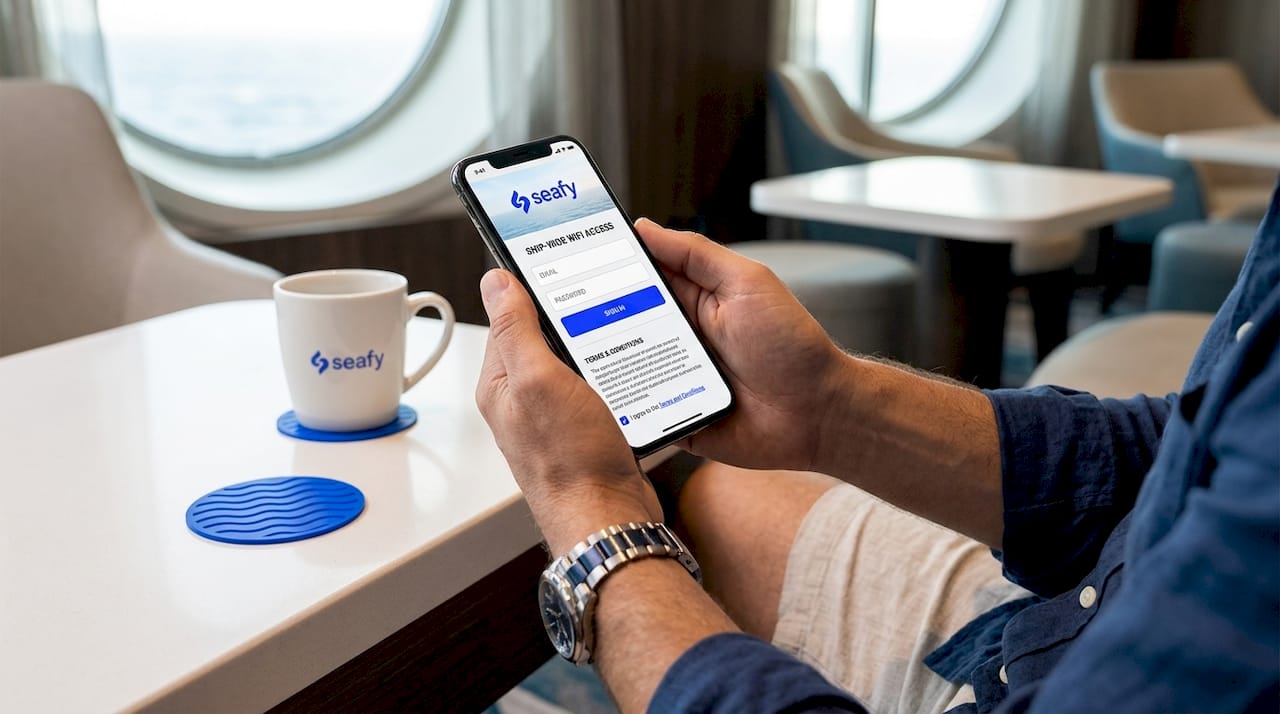
Onboard Wi-Fi access is not automatic. Connecting to a ship’s open Wi-Fi network is only the first step. You still need to complete a purchase and activation process through a captive portal before any data flows to your device.
Here is the standard activation flow you will follow on most ferries and cruise ships in 2026:
- Connect to the ship’s SSID from your device’s Wi-Fi settings. The network is open and requires no password at this stage.
- Open a browser. The captive portal loads automatically. If it does not, type any URL and the portal will redirect you.
- Enter your details. Most portals ask for your name, cabin number, and email address.
- Choose your package. Select the tier that fits your needs: social, surf, or streaming.
- Pay or apply a voucher code. Credit cards and pre-purchased codes are both accepted on Seafy-powered vessels.
- Accept the terms and conditions. Your session starts immediately after confirmation.
Captive portals require active purchase and acceptance of terms, which means connectivity is never automatic even when you are already connected to the ship’s network. This surprises many first-time ferry passengers who assume the connection is live the moment they join the SSID.
Packages are enforced per device at login. If you want to use your phone and laptop simultaneously, you need a multi-device plan or you will need to purchase two separate single-device plans.
Pro Tip: Pre-purchasing your Wi-Fi plan before boarding can save 15 to 30% and eliminates the wait at the portal during peak boarding hours when the network is congested.
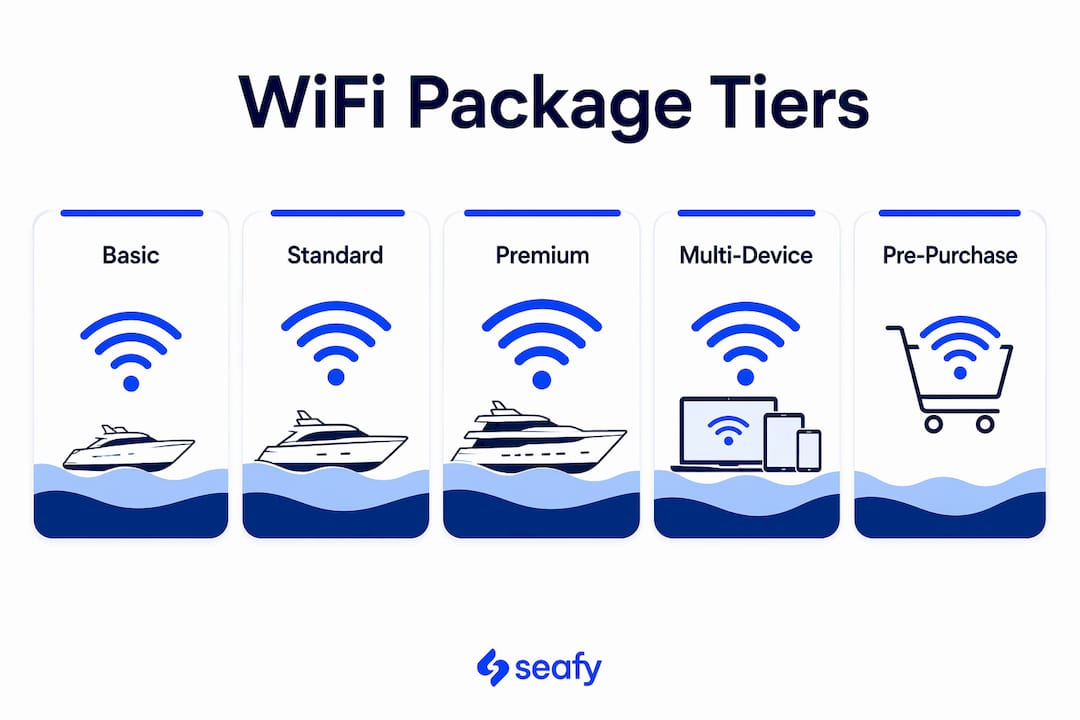
What do WiFi package tiers cost and what can you do with them?
Maritime Wi-Fi packages follow a consistent tiered structure across most cruise lines and ferry operators. The table below summarizes typical pricing and use cases based on current market data.
| Tier | Typical price per device/day | Best for |
|---|---|---|
| Social / Basic | $10 to $15 | WhatsApp, iMessage, social media browsing |
| Value / Surf | $20 to $30 | Email, web browsing, light video calls |
| Premium / Streaming | $35 to $50 | Netflix, Zoom, large file uploads |
| Multi-device plans | $52 to $90+ | Families, remote workers with 2 to 4 devices |
Typical maritime pricing tiers range from $10 to $15 per day for social plans up to $35 to $50 per day for premium streaming access. That spread reflects a real difference in allocated bandwidth, not just branding.
For cruise lines specifically, Princess Cruises’ MedallionNet starts at $24.99 per device per day, with higher tiers reaching $65 to $105. Purchasing before embarkation is consistently cheaper than buying onboard. Royal Caribbean’s multi-device pricing runs approximately $52 per day for two devices and around $80 per day for four devices, making shared plans the smarter choice for groups.
One detail many travelers miss: “unlimited” does not always mean unrestricted. Disney Cruise’s unlimited plans cap speed rather than data volume to prevent network congestion, which means video streaming may buffer even on a plan marketed as unlimited. Read the fine print before assuming premium equals fast.
Pro Tip: If you are traveling with family or working remotely with a laptop and phone, a multi-device plan almost always costs less than two separate single-device plans. Calculate the per-device cost before you buy.
What technology actually powers your connection at sea?
The quality of your onboard internet depends entirely on the satellite system the ship uses. Two technologies dominate the maritime market right now: legacy VSAT and modern Starlink.
Starlink maritime Wi-Fi delivers speeds up to 200 Mbps with latency of 20 to 40 milliseconds. Legacy VSAT systems, by contrast, typically deliver 5 to 20 Mbps with latency of 600 to 800 milliseconds. That latency gap is the reason video calls feel choppy on older ships: a 700 ms delay makes real-time conversation nearly impossible.
Seafy integrates with Starlink on select Mediterranean routes, which is why the experience on Grimaldi Lines or GNV ferries can feel closer to a home broadband connection than the sluggish satellite internet many travelers remember from a decade ago. Speed still varies by time of day and the number of passengers online simultaneously, so early morning and late night sessions tend to be faster.
Common issues and how to fix them:
- Portal won’t load: Disable your VPN before connecting. VPNs block the captive portal redirect on virtually every maritime network.
- Slow speeds despite a premium plan: Try connecting during off-peak hours (before 8 a.m. or after 10 p.m.).
- Session drops mid-use: Restart your device and reconnect to the SSID. Re-authentication delays are common if the session token expires.
- Dead zones onboard: Interior cabins and lower decks often have weaker signal. Move closer to a public lounge or deck area for better reception.
Understanding which Wi-Fi technology your ship uses before you book a premium package is worth the two minutes of research it takes.
Practical tips for choosing the right package on your trip
Choosing the right plan comes down to three factors: your internet habits, the number of devices you carry, and whether you are traveling for leisure or work.
- Put your phone in airplane mode as soon as you board. Cellular roaming charges on Mediterranean routes can exceed $10 per megabyte without a local SIM or eSIM. Airplane mode with Wi-Fi enabled is the standard approach.
- Activate your package early. Treat your first connection as a setup step, not the start of your session. Activating before you need the internet prevents portal interruptions during a work call or video stream.
- Match the tier to your actual use. If you only need WhatsApp and Instagram, a social plan is sufficient. Paying for a streaming tier when you plan to sleep most of the crossing is money wasted.
- Check for land-stop alternatives. On multi-day ferry routes with port stops, local café Wi-Fi or a destination eSIM may cover your needs during the day, reducing how many onboard hours you actually need.
- Pre-purchase through Seafy or the ferry operator’s app. Onboard pricing is consistently higher than pre-purchase rates, and pre-purchasing saves both money and activation time.
Pro Tip: Remote workers should always choose a multi-device plan and activate it the night before any scheduled video calls. Testing the connection in advance gives you time to troubleshoot before the meeting starts.
Key takeaways
Choosing the right maritime Wi-Fi package requires matching your tier, device count, and activation timing to your actual internet needs before you board.
| Point | Details |
|---|---|
| Captive portal activation | Connectivity requires active purchase through the portal, not just joining the ship’s SSID. |
| Tiered pricing structure | Social plans start around $10 to $15/day; premium streaming tiers reach $35 to $50/day per device. |
| Multi-device plans save money | Two-device plans from operators like Royal Caribbean cost less than two separate single-device plans. |
| Starlink vs. VSAT quality | Starlink delivers up to 200 Mbps at 20 to 40 ms latency; legacy VSAT averages 5 to 20 Mbps at 600 to 800 ms. |
| Pre-purchase for savings | Buying before boarding saves 15 to 30% and speeds up onboard activation. |
What I have learned from maritime Wi-Fi after years at sea ⚡
After working closely with maritime connectivity platforms including Seafy, the single most common mistake I see travelers make is treating onboard Wi-Fi like hotel Wi-Fi. They expect it to just work the moment they sit down. It does not, and that gap between expectation and reality causes real frustration.
The second mistake is buying the cheapest plan and then being surprised when a video call drops. A social plan is genuinely fine for messaging. It is not fine for a Zoom meeting with a client. Matching the tier to the task is not complicated, but it requires five minutes of honest self-assessment before you board.
My practical advice: pre-purchase through Seafy or your ferry operator’s platform, activate the package before you need it, and disable your VPN during the initial connection. Those three steps eliminate 90% of the problems I see travelers report. The technology, especially on Starlink-equipped routes, is genuinely good now. The frustration almost always comes from skipping the setup steps, not from the network itself.
— Raffaele
Stay connected at sea with Seafy

Seafy makes purchasing and activating onboard Wi-Fi straightforward for passengers on Mediterranean ferry and cruise routes. Whether you are crossing with Corsica Ferries, Grimaldi Lines, or GNV, you can browse available packages, compare tiers, and complete your purchase directly through the Seafy portal before or during your voyage. Multi-device plans, tiered pricing, and Starlink-powered connections on select routes mean you get the speed and reliability your trip actually requires. Visit seafy.com to check available packages for your route and activate your connection before you even step onboard.
FAQ
What is a travel WiFi package on a ferry or cruise ship?
A travel WiFi package is a prepaid or onboard-purchased internet plan that gives one or more devices access to the internet through the ship’s captive portal. Packages are tiered by speed and use case, from basic social messaging to premium streaming.
Do I need to buy a WiFi package before boarding?
Pre-purchasing is not required, but it saves 15 to 30% compared to onboard rates and speeds up activation. Platforms like Seafy allow you to purchase packages before your departure.
Why won’t the captive portal load on my device?
The most common cause is an active VPN blocking the portal redirect. Disable your VPN, reconnect to the ship’s SSID, and open a browser to trigger the portal again.
What is the difference between VSAT and Starlink on ships?
VSAT delivers 5 to 20 Mbps with latency of 600 to 800 ms, making video calls difficult. Starlink delivers up to 200 Mbps with latency of 20 to 40 ms, supporting streaming and real-time video calls on compatible vessels.
Can I use one WiFi package on multiple devices?
Standard packages are enforced per device at login. To use two or more devices simultaneously, you need a multi-device plan or separate single-device purchases for each device.