Tech & Wi-Fi
WiFi package activation explained: seamless internet at sea
Learn how WiFi package activation works on ferries and cruises, from captive portals to Starlink speeds, package types, pricing, and troubleshooting tips.
22 April 2026
WiFi package activation explained: seamless internet at sea
TL;DR:
- Connecting to ship WiFi requires purchasing and activation via a captive portal system.
- Modern satellite tech like Starlink offers speeds up to 200 Mbps, improving onboard internet quality.
- Pre-purchasing WiFi plans before boarding simplifies activation and enhances connectivity experience.
Most travelers assume that connecting to ship WiFi works like a hotel room: join the network, and you’re online. That’s not how it works at sea. WiFi package activation is the process of purchasing and enabling a paid internet plan through an onboard portal after you’ve joined the ship’s open network. Whether you’re streaming a movie in the Mediterranean or joining a video call from the Atlantic, understanding activation saves you time and frustration. This guide covers every step, package type, speed expectations, and practical tips you need.
Table of Contents
- Understanding WiFi package activation on ships
- Step-by-step: How to activate a WiFi package at sea
- Types of WiFi packages and pricing on ferries and cruises
- Internet speeds and coverage: What to expect with Starlink and other technologies
- Troubleshooting and tips: Making your WiFi activation seamless
- Why WiFi package activation is easier (and better) than most travelers realize
- Seamless internet at sea: Get started with WiFi package activation
- Frequently asked questions
Key Takeaways
| Point | Details |
|---|---|
| Activation is required | You need to buy and enable a package through the ship or ferry’s portal to get internet access. |
| Package options vary | Choose from social, browsing, or streaming tiers depending on your device and usage needs. |
| Starlink boosts speed | Modern ships with Starlink deliver speeds between 50 and 200 Mbps for a smoother online experience. |
| Pre-purchasing saves money | Buying your WiFi package in advance can give you up to a 30 percent discount and instant activation. |
| Have troubleshooting steps ready | If you run into problems, device restarts and following onboard guidance resolve most issues quickly. |
Understanding WiFi package activation on ships
After setting the stage for why ship WiFi isn’t just plug-and-play, let’s clarify what activation really entails.
Activation means purchasing and enabling a package after you join the ship’s WiFi network. Simply connecting to the ship’s signal gives you access to a limited, unmetered network, often only for onboard services or a portal page. Full internet access requires a paid plan.
Ships use a captive portal, a web page that automatically appears when you join the network and blocks general internet access until you complete a purchase or enter a voucher code. This system lets the ship control bandwidth and assign it fairly across hundreds or thousands of passengers.
Why activation matters for you:
- Stay connected with family and friends throughout your voyage
- Work remotely without relying on expensive roaming data
- Stream entertainment during long crossings
- Access maps, translation tools, and travel apps
Common package structures:
| Package type | Coverage period | Typical use case |
|---|---|---|
| Per-day | 24-hour window | Short trips or occasional use |
| Per-voyage | Full trip | Regular users, remote workers |
| Per-device | Tied to one device | Solo travelers |
| Multi-device | 2 to 4 devices | Families or couples |
Pro Tip: Before you board, learn how to connect to ferry WiFi so you’re not figuring it out mid-ocean. Check the Royal Caribbean WiFi guide for a real-world example of how major lines structure their portals.
Step-by-step: How to activate a WiFi package at sea
Now that you know what activation is, here’s exactly how to do it, step by step.
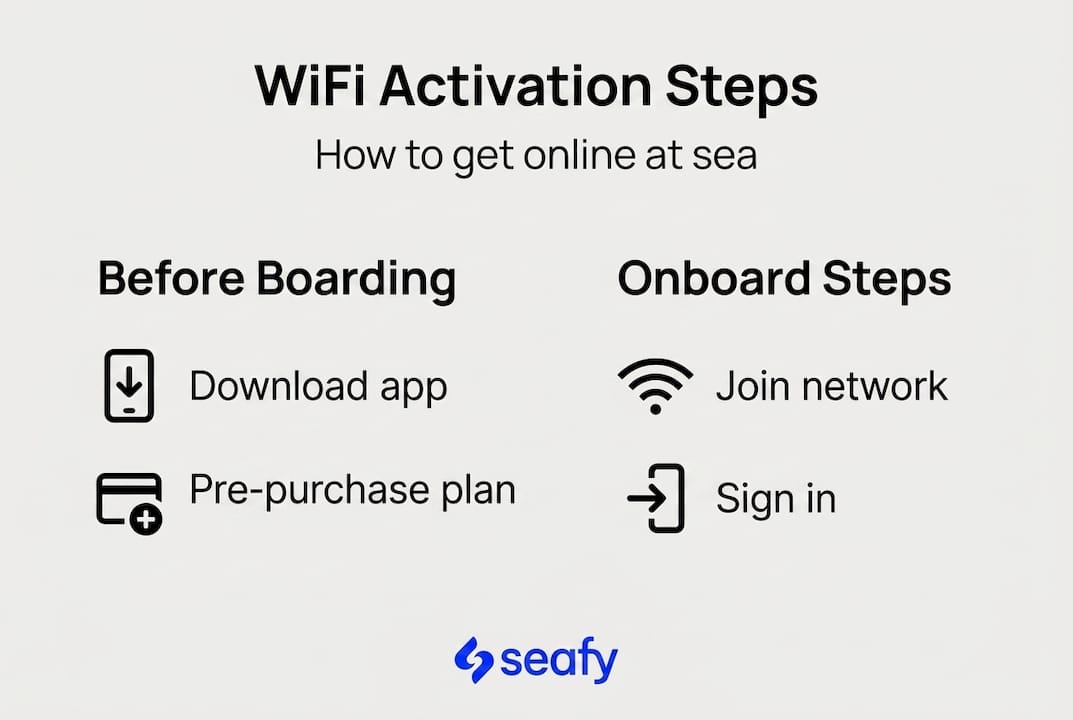
Every ferry and cruise ship uses a captive portal system. The exact design varies by line, but the activation steps are consistent: connect to the ship’s WiFi SSID, open the portal, buy a package or enter a code, accept terms, and you’re online.
How to activate your package:
- Connect to the ship’s WiFi network. Look for the official SSID (network name) on your boarding documents or cabin card.
- Open a browser. The captive portal loads automatically. If it doesn’t, type any website address manually to trigger it.
- Create or log in to your account. Most lines require a last name and cabin number.
- Choose your package. Pick the plan that fits your data needs and budget.
- Pay or enter your voucher code. Credit cards are accepted on most ships; pre-purchased codes skip this step.
- Accept terms and activate. Tap confirm, and your full internet access begins immediately.
Pro Tip: Pre-purchasing your plan through the cruise line’s app before boarding can save 15 to 30% and makes onboard Wi-Fi setup nearly instant. You’ll just log in and go. Check Carnival cruise WiFi activation for a breakdown of what to expect at the portal screen.
Types of WiFi packages and pricing on ferries and cruises
Once you know how to activate, picking the right package is next. Here’s how the choices compare.
Most lines organize their WiFi into three tiers. Social plans cover messaging apps and light browsing. Value or Surf plans add email and standard web use. Premium or Streaming plans support video calls, Netflix, and large file transfers.
What each tier typically covers:
- Social: WhatsApp, Instagram, Facebook Messenger
- Surf/Value: Email, news sites, basic browsing
- Streaming/Premium: HD video, Zoom, cloud uploads
Packages are per-device and sold by the day or voyage, with pre-purchase discounts of 15 to 30% available through most cruise line apps or travel planners.
| Package tier | Avg. daily price | Best for |
|---|---|---|
| Social | $10 to $15 | Casual messaging |
| Surf/Value | $20 to $30 | Remote work basics |
| Streaming/Premium | $35 to $50 | Heavy users, families |
For ferry routes, pricing tends to be lower but the tiers are similar. Explore types of Wi-Fi packages available for maritime travel to match your specific route and usage style. For cruise-focused pricing, Celebrity WiFi packages offer a useful price comparison across multiple tiers.
Internet speeds and coverage: What to expect with Starlink and other technologies
With the right package in hand, here’s what your online experience will actually be like, including the impact of new technology.
Satellite internet has transformed ship connectivity. The old standard, VSAT (Very Small Aperture Terminal), delivered slow, high-latency connections that made video calls nearly impossible. Starlink, a low-Earth orbit satellite network developed by SpaceX, changed that.
“Starlink-powered WiFi delivers up to 200 Mbps download, a massive leap over legacy VSAT systems.”
Speed comparison by technology:
| Technology | Typical download speed | Latency |
|---|---|---|
| Legacy VSAT | 5 to 20 Mbps | 600 to 800 ms |
| Starlink Maritime | 50 to 200 Mbps | 20 to 40 ms |
For practical use, Starlink speeds support HD streaming, video calls, and cloud work without noticeable lag. Coverage is strongest on open decks and in common areas. Cabins typically get solid signal, while areas surrounded by thick metal structures like spas or engine-adjacent spaces can see weaker coverage.

Pro Tip: For the best signal, connect in the main lounge or an outdoor deck. Read more about high-speed internet at sea and its real impact on productivity. See how Starlink at sea is performing across 2025 and 2026 deployments.
Troubleshooting and tips: Making your WiFi activation seamless
Even with modern WiFi systems, hiccups can happen. Here’s how to handle them and get connected quickly.
The most common issue is the captive portal not loading after you connect. This usually means your device cached an old page or your DNS settings are interfering. A simple device restart solves it most of the time.
Common issues and fixes:
- Portal won’t load: Restart your device, forget the network, and reconnect
- Slow speeds during activation: Try connecting during off-peak hours, typically early morning
- VPN blocking access: Disable your VPN before activating; turn it back on after
- Device swap: Log out of your account on the old device before switching
- Roaming charges sneaking in: Enable airplane mode and use only the ship’s WiFi
Peak hours slow speeds, VPNs may block portals, cabin coverage varies, and enabling airplane mode prevents unwanted roaming charges.
Pro Tip: For practical, route-specific guidance, check reliable internet access tips and the Wi-Fi troubleshooting guide for ferries. If problems persist, ask at the guest services desk. Crew members can reset your account or escalate to onboard IT support. For a broader overview, cruise WiFi troubleshooting covers common scenarios across major lines.
Why WiFi package activation is easier (and better) than most travelers realize
Summing up the steps, let’s look at why the activation process is now smoother and more reliable than ever.
Here’s a perspective most travel forums miss: ship WiFi has a reputation problem it no longer deserves. Yes, five years ago it was slow, unreliable, and frustrating. But Starlink and modern captive portal design have quietly fixed most of those issues.
Activation today takes under two minutes if you pre-purchase via app or planner before boarding. You log in, tap confirm, and you’re streaming. For remote professionals, this is genuinely workable connectivity, not a compromise. For vacationers, it’s enough to share photos, check in with family, and stay informed without being chained to a desk.
The travelers who struggle are the ones who skip preparation and try to figure it out during peak boarding chaos. Don’t be that traveler. See how remote work at sea is becoming a real, productive option for digital nomads and professionals alike.
Seamless internet at sea: Get started with WiFi package activation
If you’re ready for worry-free connectivity at sea, the right tools are already within reach.
Seafy makes it easy to explore, compare, and activate the right WiFi plan for your ferry or cruise voyage across the Mediterranean and beyond. Whether you’re a remote worker who needs stable Starlink-powered speeds or a leisure traveler who wants to share the journey with friends back home, you’ll find plans built for exactly that.

Browse ferry and cruise WiFi options on Seafy, discover the latest packages from partners like Corsica Ferries, Grimaldi Lines, and GNV, and get activation tips tailored to your route. Your next voyage deserves a strong connection. 🌐
Frequently asked questions
Can I activate a cruise or ferry WiFi package before I board?
Yes, most lines let you pre-purchase before boarding, so onboard activation is nearly instant once you connect to the ship’s network.
Why does my device ask me to ‘activate’ ship WiFi instead of connecting automatically?
Activation is required for paid internet access. After joining the network, your device is redirected to a captive portal where you pick a plan, pay, and start your session.
How many devices can use one WiFi package?
Most packages are per device, but multi-device plans covering two to four devices are widely available if you need to connect a phone and laptop simultaneously.
What speeds will I get after activation?
With Starlink, you can expect 50 to 200 Mbps download speeds, depending on your ship, route, and time of day.
What if activation doesn’t work or WiFi is slow?
Restart your device and reconnect; if the issue persists, guest services or onboard IT support can reset your account and get you back online quickly.