Tech & Wi-Fi
Onboard Wi-Fi guide: Get reliable internet at sea
Navigate the seas with confidence! Our onboard Wi-Fi usage guide 2026 offers essential tips for reliable internet while you cruise or ferry.
05 May 2026
Onboard Wi-Fi guide: Get reliable internet at sea
TL;DR:
- Wi-Fi quality onboard varies greatly and requires preparation, such as understanding plans and managing expectations.
- Connecting involves selecting the correct network, logging in via a captive portal, and choosing plans based on speed and device limits; offline backups are also advisable.
- Managing bandwidth with smart habits, troubleshooting common issues, and accepting shared resource limitations contribute to a more reliable experience at sea.
You board your ferry, the coast disappears behind you, and then it hits you: you need Wi-Fi and you have no idea how to get connected. Maybe you’ve tried before and ended up staring at a login portal that never loaded. Or perhaps you paid for a package and watched your connection crawl during a video call. Onboard internet quality varies widely, and for many passengers, that inconsistency turns a relaxing voyage into a frustrating digital puzzle. This guide cuts through the confusion with clear steps, smart habits, and practical tips for getting reliable internet at sea, whether you’re traveling for leisure or logging in from the deck.
Table of Contents
- What to know before you sail
- Step-by-step: Connecting to onboard Wi-Fi
- Making the most of Wi-Fi: Smart habits and work tips
- Troubleshooting common Wi-Fi issues onboard
- Our take: The real secret to stress-free Wi-Fi on the water
- Stay online with Seafy: Your reliable onboard Wi-Fi partner
- Frequently asked questions
Key Takeaways
| Point | Details |
|---|---|
| Check what’s included | Not all fares include Wi-Fi so confirm your package before sailing. |
| Connect efficiently | Follow a clear step-by-step process to sign in and pick the right plan on board. |
| Optimize bandwidth use | Plan video calls and big uploads for off-peak times to enjoy faster, smoother connections. |
| Be ready to troubleshoot | Knowing simple fixes and plan limits saves time and reduces stress if issues come up. |
| Set expectations wisely | At sea, accepting connection limits and preparing offline options makes every journey easier. |
What to know before you sail
To make the most of Wi-Fi at sea, you need to know what to expect and how to prepare.
Not all ferry or cruise fares come with internet access. What’s included depends heavily on the type of line you’re traveling with and the ticket class you’ve booked. Luxury and premium lines may bundle basic Wi-Fi into the fare, while most mainstream and budget operators charge separately by speed tier or data package. Knowing this in advance saves you the surprise of finding a paywall when you’re already at sea.
Here’s what typically varies across different ferry and cruise setups:
- Connection speed: Basic plans may support messaging and light browsing. Premium plans support video streaming and calls.
- Device limits: Some plans allow only one connected device at a time. Others let you connect two or three.
- Coverage gaps: Signal can drop in certain geographic zones, especially when sailing far from the coast or through areas with limited satellite coverage.
- Peak vs. off-peak access: Shared bandwidth means the network can slow noticeably when everyone is online after dinner.
- Authentication methods: Most ships use a captive portal, which means you connect to the ship’s Wi-Fi network, open a browser, and then log in through a special page.
Understanding the types of onboard Wi-Fi available helps you choose the right plan before you board. Options range from satellite-based internet using technologies like Starlink (a low-orbit satellite system offering significantly faster speeds) to older VSAT connections that are more limited.
| Feature | Basic plan | Premium plan |
|---|---|---|
| Browsing and messaging | ✅ | ✅ |
| Video calls | ❌ | ✅ |
| Streaming video | ❌ | ✅ |
| Multiple devices | Sometimes | Usually yes |
| Stable in rough seas | Limited | Better with Starlink |
The difference between high-speed Wi-Fi at sea and a basic satellite connection can feel dramatic once you’re actually trying to work or stream content.

Pro Tip: Download your work documents, playlists, podcasts, and offline maps before you leave port. Even with a strong plan, having offline backups means you’re never truly stuck.
Step-by-step: Connecting to onboard Wi-Fi
With expectations set, you’re ready to connect. Here’s how to get online efficiently aboard any vessel.
The process is more straightforward than it looks, but a few missteps can leave you frustrated. Follow these steps to get connected quickly and confirm it’s actually working:
- Enable Wi-Fi on your device. Open your settings and turn on Wi-Fi. Wait for available networks to appear.
- Find the ship’s network. Look for a network name that matches the ferry line or vessel name, such as “GNV_Onboard” or “Corsica_Ferry_WiFi.”
- Connect without expecting automatic internet access. When you connect to the ship’s network, your device may say “No internet” at first. That’s normal.
- Open your browser. Safari, Chrome, or Firefox all work. Type any web address (like “seafy.com”) and you’ll be redirected to the login or purchase portal automatically.
- Choose your plan. Select the package that fits your needs: basic for messaging, premium for calls and streaming. Pricing and access depend on the connection speed and bandwidth tier you choose.
- Complete payment or code entry. Some plans require a credit card. Others use a voucher code purchased at the ship’s desk.
- Confirm your connection. Visit a simple website like a news page to verify the connection is live and loading properly.
If something goes wrong during these steps, check out the Wi-Fi connection troubleshooting guide for common fixes. One thing worth knowing: using Wi-Fi hotspots on board works best when you stay within range of access points, which are usually clustered in public areas like the lounge, restaurant, and deck zones.
| Connection method | What to expect | Best for |
|---|---|---|
| Captive portal login | Standard on most ferries | All passengers |
| Voucher code | Purchased at reception or kiosk | Quick, simple access |
| Pre-booked online package | Activated at portal | Best value, advance planners |
| Crew-managed account | Ship-specific | Long-haul passengers |
Making the most of Wi-Fi: Smart habits and work tips
Once you’re connected, setting the right habits ensures you make the most of your digital time at sea.
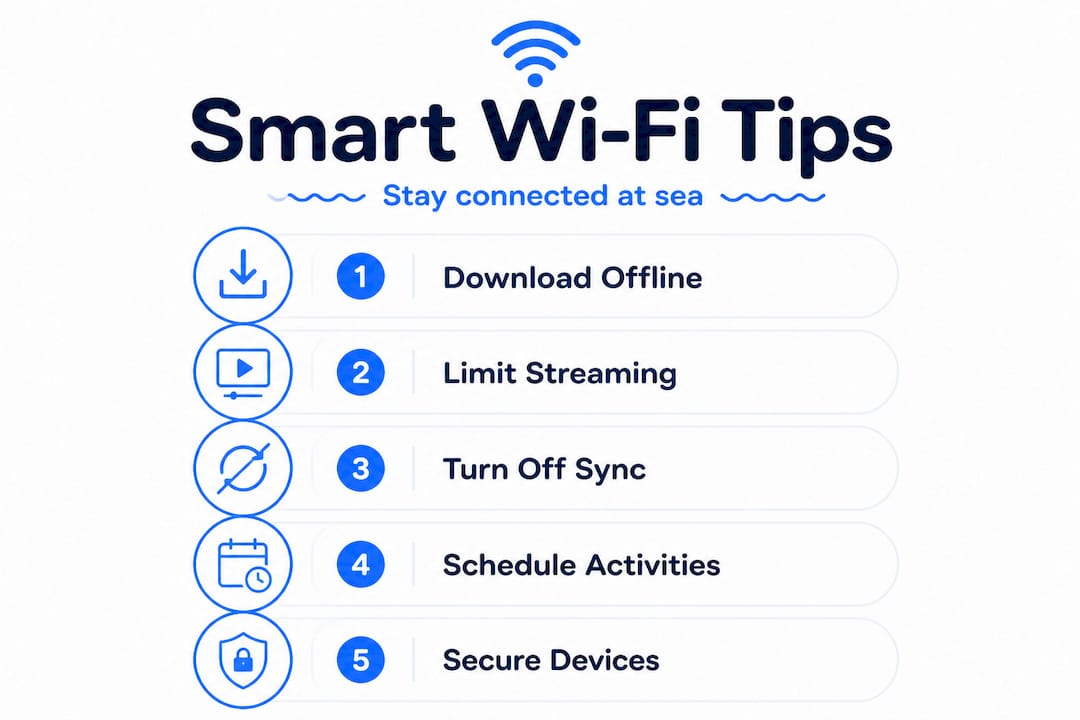
Even on a plan with solid speeds, bandwidth is shared across every passenger on board. That means the same connection that worked smoothly at 10am might crawl at 9pm when everyone is checking social media after dinner. Being smart about when and how you use the network makes a real difference. Schedule high-bandwidth activities like video calls or large file uploads for early mornings or midday, when fewer passengers are online.
Here’s a quick list of habits that help you stretch your connection further:
- Turn off auto-sync. Apps like Google Drive, Dropbox, and iCloud can silently consume large amounts of data in the background.
- Disable background app refresh. On iOS and Android, this setting prevents apps from updating themselves when you’re not using them.
- Avoid streaming unless your plan supports it. Watching Netflix or YouTube will eat through basic plan data quickly and slow your connection.
- Use lightweight apps. WhatsApp calls use far less bandwidth than FaceTime or Zoom video calls.
- Pause cloud backups. Automatic photo uploads can quietly use all your available bandwidth within minutes.
For those working remotely at sea, choosing the right plan matters even more. A business traveler on a crossing from Genoa to Palermo, for example, should opt for a premium plan with sufficient bandwidth for sending emails, joining a quick call, and accessing cloud documents.
“The best onboard Wi-Fi experience isn’t just about speed. It’s about managing what you ask of the connection and being realistic about what it can deliver.”
Pro Tip: Turn off auto-sync and cloud backup on all devices before boarding. This single step can dramatically improve your perceived connection speed without upgrading your plan.
Troubleshooting common Wi-Fi issues onboard
Even with good habits, issues can occur. Here’s how to quickly fix the most common Wi-Fi problems.
The frustrating reality is that onboard internet can be inconsistent, and understanding your connection type is the first step to troubleshooting effectively. A satellite-based connection may drop briefly when the ship changes heading. A congested network may feel slow even with a premium plan.
Try these quick fixes first:
- Forget the network and reconnect. Go into your Wi-Fi settings, remove the ship network, and reconnect from scratch.
- Restart your device. A fresh start clears any cached network issues.
- Reopen the browser and relogin. Your session may have expired, especially after the device went to sleep.
- Move to a different location. Wi-Fi signal strength varies by deck and distance from access points.
- Check your plan’s expiry or data limit. You may have simply run out of time or data.
For more detailed fixes, the ferry Wi-Fi troubleshooting guide walks through each scenario. If you’ve tried everything and still can’t connect, speak to a crew member or visit the information desk. They often have direct access to the network administrator or a technical team.
Pro Tip: Screenshot your plan details and session activation confirmation as soon as you purchase. If something goes wrong, this saves time when proving you’ve paid and asking for help.
Our take: The real secret to stress-free Wi-Fi on the water
Here’s something most guides won’t tell you directly: the biggest source of onboard Wi-Fi frustration isn’t slow speeds. It’s mismatched expectations.
Passengers who’ve spent years on fast home fiber connections naturally expect the same experience at sea. But a satellite link shared across hundreds of passengers on a moving vessel is a fundamentally different environment. Once you accept that, everything changes. You stop fighting the connection and start working with it.
We’ve seen it consistently: travelers who prepare offline content, disable background data-hungry apps, and schedule calls during off-peak hours have a genuinely positive experience. Those who don’t, often end up disappointed regardless of which plan they choose.
The other thing worth saying out loud? Bandwidth at sea is a shared resource. When someone next to you is streaming a movie in HD, it affects your call. This isn’t a flaw in the technology. It’s simply how shared networks work. Patience and timing matter more than most people realize.
The future is genuinely exciting. Starlink integration on routes across the Mediterranean is pushing speeds much closer to what you’d expect on land. Platforms that combine travel and Wi-Fi are making connectivity easier and more predictable. But even with the best technology, your habits are still the most powerful tool you have. 🌐
Stay online with Seafy: Your reliable onboard Wi-Fi partner
For travelers who want seamless internet from shore to ship, there’s an easy way to stay connected.
Seafy partners with leading Mediterranean ferry lines including Corsica Ferries, Grimaldi Lines, and GNV to bring you reliable, easy-to-activate Wi-Fi packages designed around how real travelers use the internet. Whether you need a quick messaging plan for a short crossing or a full premium package for a multi-day voyage, Seafy’s portal makes it simple to choose, purchase, and activate your connection in minutes.

Visit Seafy’s onboard Wi-Fi solutions to explore available plans for your next Mediterranean sailing. No guesswork, no surprises, just a stable connection so you can work, chat, or stream with confidence. Buon surf! ⚡
Frequently asked questions
Is Wi-Fi always included in the cruise or ferry ticket?
No, basic Wi-Fi is included on some premium lines, but most mainstream options charge by speed or package. Luxury lines may bundle basic access, while budget ferries always charge separately.
Can I join video calls using onboard Wi-Fi?
It’s possible but works best during off-peak hours to avoid slow speeds or interruptions. High-bandwidth activities like video calls should be scheduled for mornings or midday when fewer passengers are online.
What should I do if my Wi-Fi connection keeps dropping on a ferry?
Restart your device, forget and reconnect to the network, and relogin to the portal. Onboard internet inconsistency is often tied to the connection type, so ask crew if the problem persists.
Are there security concerns with public onboard Wi-Fi?
Yes, ship networks are public and open, so use a VPN (a tool that encrypts your connection) when possible and avoid banking or sensitive transactions while connected.