Tech & Wi-Fi
How to improve Wi-Fi speed onboard: faster internet at sea
Struggling with slow Wi-Fi at sea? Learn practical steps to boost onboard internet speed on cruise ships and ferries, from choosing the right package to optimizing your device.
14 April 2026
How to improve Wi-Fi speed onboard: faster internet at sea
TL;DR:
- Onboard Wi-Fi primarily relies on satellite technology, with LEO satellites like Starlink offering lower latency and higher speeds.
- Choosing higher-tier packages and optimizing device placement can significantly improve internet performance at sea.
- Actual Wi-Fi speeds vary based on technology, passenger load, weather, and ship location, often requiring realistic expectations.
Slow buffering, dropped video calls, and that spinning wheel of frustration — sound familiar? Unreliable internet at sea is one of the most common complaints from cruise and ferry passengers, whether you’re trying to send a quick message home or run a remote work session from the open ocean. The good news is that faster, more reliable onboard Wi-Fi is genuinely within reach. This guide walks you through how maritime Wi-Fi actually works, how to pick the right package, and the hands-on steps you can take to squeeze every bit of speed out of your connection. 🌐
Table of Contents
- Understanding how onboard Wi-Fi works
- Choosing the right Wi-Fi package for speed
- Optimizing your device and connection onboard
- Troubleshooting and common connectivity problems
- Verifying your speed and setting realistic expectations
- The surprising reality of onboard Wi-Fi: What cruise lines won’t tell you
- Take your onboard Wi-Fi to the next level with Seafy
- Frequently asked questions
Key Takeaways
| Point | Details |
|---|---|
| Premium packages deliver speed | Purchasing higher tier Wi-Fi packages onboard gives you faster, more reliable connection—especially for work or streaming. |
| Optimize your connection | Location, device settings, and timing can significantly boost your Wi-Fi performance at sea. |
| Test and troubleshoot often | Regular speed tests help identify slowdowns and ensure you’re getting what you paid for from your ship’s Wi-Fi. |
| Know the technology’s limits | Modern satellite Wi-Fi is fast enough for most use cases, but congestion and weather can cause interruptions even in 2026. |
Understanding how onboard Wi-Fi works
With the challenge set, let’s explore what onboard Wi-Fi actually is and how it works. Most ships connect passengers to the internet through one of two systems: satellite networks or coastal cellular networks. Coastal cellular works close to shore and tends to be faster, but it drops off quickly once you’re in open water. Satellite is the backbone of true at-sea connectivity.
The big leap in recent years has been the shift to Low Earth Orbit (LEO) satellites, most notably Starlink. Unlike older geostationary satellites that orbit roughly 22,000 miles above Earth, LEO satellites orbit at just 340 to 1,200 miles up. That shorter distance means dramatically lower latency (the delay before data starts moving) and higher speeds. Starlink and LEO satellites have dramatically improved what passengers can expect from onboard Wi-Fi. You can read more about how ship Wi-Fi works and why it matters.
What affects your speed at sea? Several factors play a role:
| Factor | Impact on speed |
|---|---|
| Satellite technology (LEO vs. old) | High — LEO is far faster |
| Number of passengers online | High — bandwidth is shared |
| Weather and cloud cover | Medium — can disrupt signal |
| Ship location (open sea vs. coast) | Medium — coastal is faster |
| Time of day | Medium — evenings are busiest |
Bandwidth is shared among all passengers, which means congestion during peak hours is completely normal. Think of it like a highway: same road, more cars, slower traffic. Understanding the importance of high-speed internet at sea helps you set realistic goals before you even board.
“The single biggest variable in your onboard Wi-Fi experience isn’t the technology — it’s how many other passengers are online at the same time you are.”
Choosing the right Wi-Fi package for speed
Now that you know what shapes onboard Wi-Fi, your next big decision is which service to buy. Most ships offer tiered packages, and the difference between them is real.
| Package type | Typical speed | Best for |
|---|---|---|
| Basic / Social | 1–5 Mbps | Messaging, social media |
| Standard | 5–20 Mbps | Email, light browsing |
| Premium | 20–100+ Mbps | Video calls, streaming, remote work |
Premium Wi-Fi packages provide higher speeds and priority bandwidth, and pre-purchasing before you board can save you real money compared to buying onboard. Explore the best Wi-Fi packages onboard to compare what’s available for your route.
Here’s what to consider when choosing:
- Video calls (Zoom, Teams): You need at least 10–15 Mbps stable download. Go premium.
- Streaming (Netflix, YouTube): HD streaming needs 15–25 Mbps. Premium is essential.
- Basic browsing and email: Standard packages usually handle this fine.
- VPN use: Some packages deprioritize or block VPN traffic. Check before you buy.
Learning about the types of onboard Wi-Fi available helps you match the right plan to your actual needs.
Pro Tip: If you’re planning to work remotely during your trip, upgrading to the premium tier isn’t a luxury — it’s a practical investment. The speed difference during a live client call is night and day.
Optimizing your device and connection onboard
Even the best Wi-Fi package needs tweaking — here’s how you can get the most out of your connection. Your behavior and device settings matter more than most passengers realize.
Steps to maximize your onboard connection:
- Move toward access points. Signal is strongest in public lounges, near the reception area, and on upper decks where antennas are often mounted. Cabins below the waterline can be dead zones.
- Switch your device to the 5 GHz Wi-Fi band if available. It’s faster than 2.4 GHz in less crowded areas, though 2.4 GHz travels farther through walls.
- Close background apps. Streaming music, cloud backups, and automatic updates eat bandwidth silently. Pause them before important tasks.
- Log off devices you’re not using. Many packages limit simultaneous connections. One device at a time gives you the full allocation.
- Choose off-peak times. Early mornings (before 8 a.m.) and port days when passengers go ashore are consistently the fastest windows.
Testing your speed in different locations and avoiding peak hours are two of the most effective free strategies available to you. For more detailed guidance, check out best practices for ferry Wi-Fi.
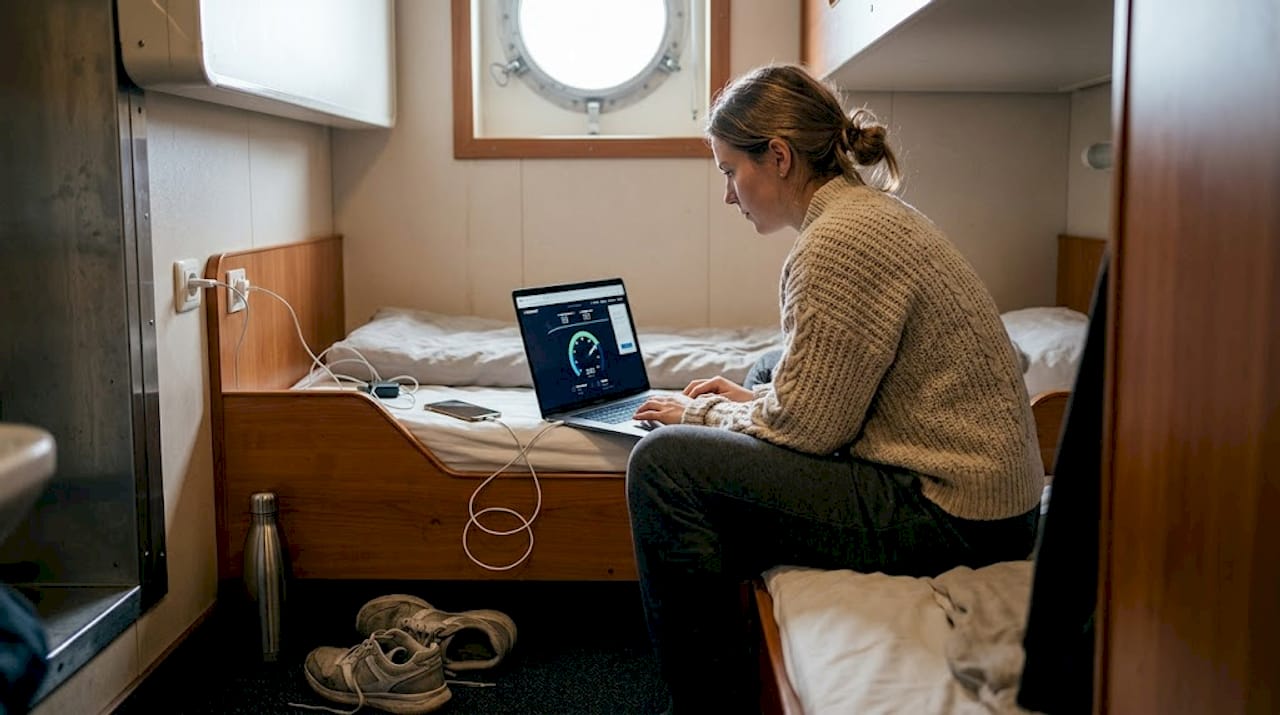
Pro Tip: Run a quick speed test (Speedtest.net works at sea) before any important video call or file upload. If speeds are below 5 Mbps, reschedule the task for an off-peak window. It takes 30 seconds and saves a lot of headaches. ⚡
If you run into persistent issues, the troubleshooting onboard Wi-Fi guide walks you through common fixes step by step.
Troubleshooting and common connectivity problems
Maximizing speed only goes so far — issues will happen. Here’s how to troubleshoot and know what you can (or can’t) fix.
When your connection lags or drops, start with these steps:
- Restart your device. Simple but effective. Clears cached connection data.
- Forget the network and reconnect. Sometimes the login session expires silently.
- Check whether the issue is ship-wide. Ask a crew member or check if others nearby are also offline. If it’s everyone, it’s a satellite or infrastructure issue — not your device.
- Disable your VPN temporarily. Many ships restrict VPN traffic at the network level. If your connection improves without it, the VPN is the culprit.
- Try a different location onboard. Move from your cabin to a public area and retest.
Weather interference, heavy passenger load, and VPN restrictions are common causes of slow speeds that individual passengers simply cannot fix on their own. For ferry-specific fixes, the Wi-Fi troubleshooting for ferries resource covers the most frequent scenarios.
“If you’ve restarted, reconnected, and repositioned — and it’s still slow — the problem is almost certainly on the ship’s side, not yours. That’s when it’s time to talk to tech support.”
Knowing when to escalate matters. Ship tech support can reset your session, check your account status, or confirm whether a broader outage is affecting service. Don’t sit frustrated in your cabin — ask.
Verifying your speed and setting realistic expectations
Lastly, let’s cover how to objectively confirm your connection speed and set fair expectations. Running a speed test is simple: open a browser, go to Speedtest.net or Fast.com, and tap “Go.” You’ll get your download speed, upload speed, and ping (latency) in about 30 seconds.
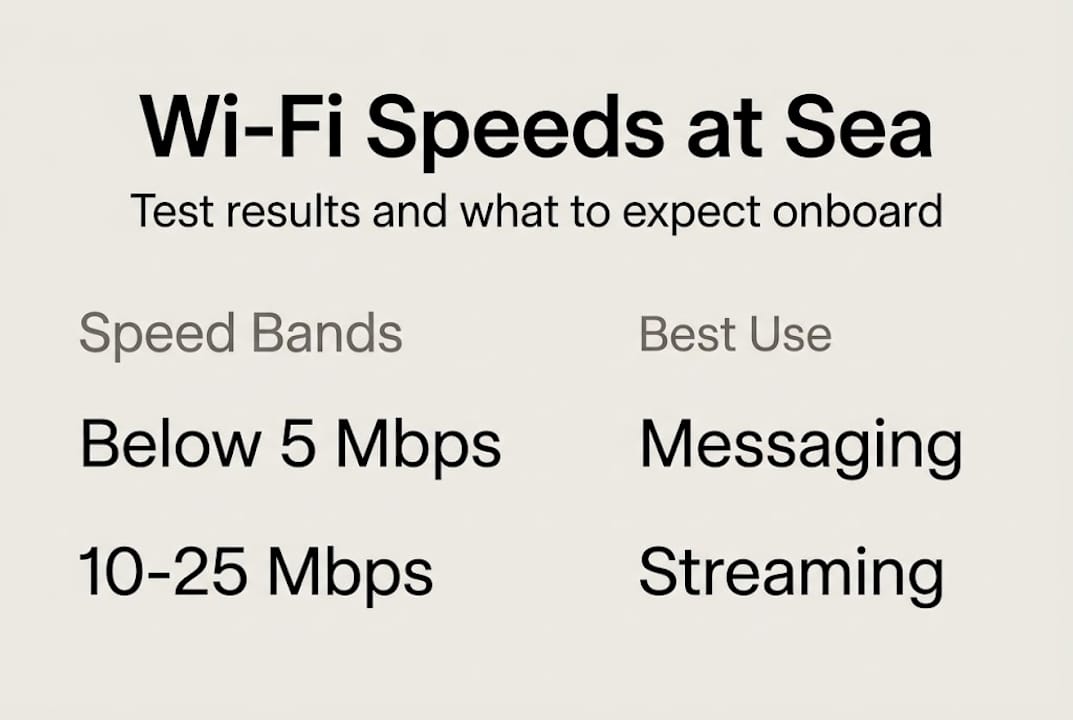
Here’s how to interpret what you see:
| Speed result | What it means | Good for |
|---|---|---|
| Below 5 Mbps | Older satellite or heavy congestion | Basic messaging only |
| 5–20 Mbps | Standard modern connection | Email, browsing, light calls |
| 20–50 Mbps | Good Starlink performance | HD video calls, uploads |
| 50–135 Mbps | Excellent — top-tier Starlink | Streaming, large file transfers |
Empirical tests on modern ships show 50–135 Mbps download and up to 1.2 Mbps upload with Starlink, while older satellite systems typically deliver under 5 Mbps. That gap is enormous in practice.
Steps to verify your connection fairly:
- Test in the morning and again in the evening to capture both peak and off-peak performance.
- Test in at least two locations: your cabin and a public lounge.
- Compare results against the package you purchased.
- If speeds are consistently far below the advertised tier, document your results with screenshots.
Learn more about how new tech transformed ferry Wi-Fi and what that means for passengers who work remotely at sea. If your documented speeds are consistently far below what you paid for, that’s a reasonable basis for a complaint or partial refund. Most lines have a process for this — just ask at the guest services desk.
The surprising reality of onboard Wi-Fi: What cruise lines won’t tell you
Having covered the practical side, let’s have an honest conversation about what you can actually expect — and what cruise lines rarely advertise.
The phrase “fast Wi-Fi onboard” is technically true and practically misleading at the same time. Starlink has genuinely changed the game, but it hasn’t eliminated the fundamental challenge: you’re sharing a finite satellite connection with hundreds or thousands of other passengers. Even the best technology bends under that kind of load.
What smart travelers understand is that onboard Wi-Fi is always a compromise. It’s a compromise between infrastructure cost, ship location, passenger demand, and weather. No marketing promise changes those physics. The real Wi-Fi impacts on ferry travel are more nuanced than any brochure suggests.
The travelers who stay stress-free are the ones who build a backup plan. Download what you need before boarding. Schedule important calls for early morning. Know which tasks require strong connectivity and which ones don’t. In 2026, the technology is better than it has ever been — but knowing its limits is what actually makes your trip smoother.
Take your onboard Wi-Fi to the next level with Seafy
Ready to upgrade your experience? Here’s how Seafy can help you succeed.
At Seafy, we’ve built our platform specifically for passengers who want the best possible connection at sea — whether you’re video-calling family from the Mediterranean or closing a deal mid-voyage. We partner with leading ferry lines including Corsica Ferries, Grimaldi Lines, and GNV to bring you reliable premium Wi-Fi at sea that’s easy to activate and designed for real use.

From curated tips to full package comparisons, our content hub has everything you need to prepare. Explore our guide to the top Wi-Fi solutions for ferries and find the plan that fits your next trip. Bon voyage — and good surfing! 🌐
Frequently asked questions
What is a good Wi-Fi speed onboard a cruise or ferry in 2026?
A good onboard Wi-Fi speed in 2026 is 50–135 Mbps download on modern ships using Starlink, though actual speeds vary widely by ship and conditions. Speeds below 10 Mbps are still common on older vessels.
How can I boost my Wi-Fi speed while at sea?
Choose a premium package, position yourself near onboard access points, and avoid evening peak hours. Smart positioning and premium tiers consistently deliver better personal speeds.
Does weather affect Wi-Fi speeds on ships?
Yes. Bad weather and heavy cloud cover can disrupt satellite signals, causing slower speeds or brief dropouts. Weather and ship location both influence connection quality, especially on open decks.
Can I rely on ship Wi-Fi for remote work?
Modern Starlink-equipped ships support video calls and standard remote work tasks, but reliability varies during busy hours. Starlink enables remote work at sea, though a backup plan is always smart for critical deadlines.